Product photo
AI flat lay photos
A flat lay is a product photo in which the piece is laid out on a surface and shot from above, on a neutral background with even light. In Futuriza Studio, you upload a simple photo of the piece and the AI delivers a flat lay ready for your online store, with no studio setup.
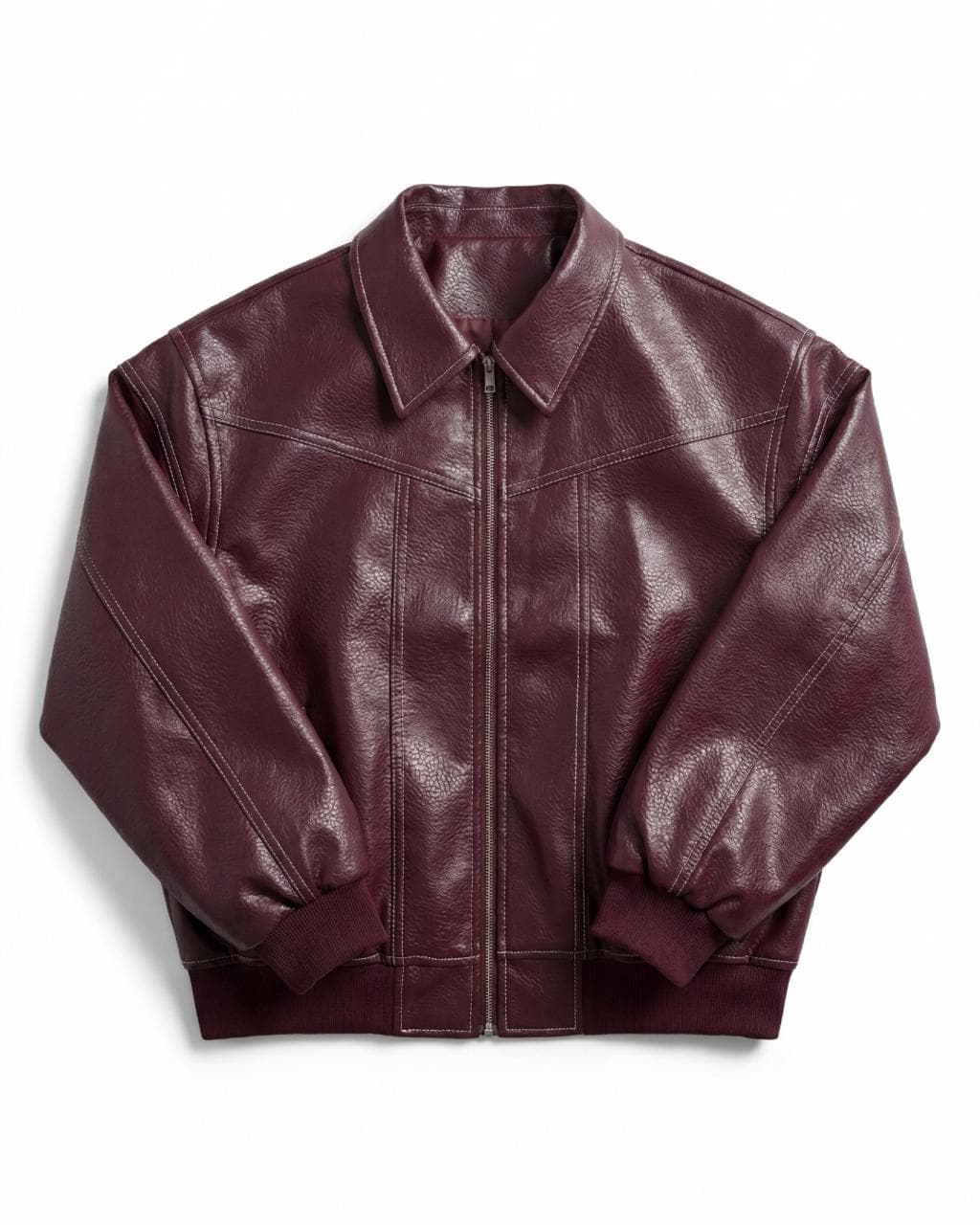
What a flat lay is for
A flat lay shows the whole product with no distractions: cut, color, print and finishes are all clear. That is why it is one of the most used formats on product pages, marketplaces and wholesale catalogs. With AI, every piece in the collection gets a flat lay with the same light and the same background, so the store looks consistent from the first product to the last.
When to use a flat lay
- Main or secondary photo on an e-commerce product page.
- Marketplaces that require a neutral background with the whole product visible.
- Wholesale catalogs and lines with many products.
- Unstructured pieces, such as T-shirts, knitwear and swimwear, that look good laid flat.
Tips for a good result
- Photograph the piece from the front, fully in frame.
- Use soft natural light or studio light, without harsh shadows.
- Iron or smooth the piece before taking the photo.
- Upload a back photo when the back has important details.
How it works
From a photo of the piece to a finished image
- 01
Upload the piece
Photograph the piece from the front, in good light and without wrinkles. A back photo is optional. We accept JPG, PNG, WebP and AVIF up to 50 MB.
- 02
Choose the style
Flat lay, ghost, creative still life, lookbook or editorial. For on-model photos, you also pick the model, the pose and the scene from the Studio library.
- 03
Generate and download
The AI creates the image in minutes, in 2K or 4K, in the format you need: 1:1, 2:3, 3:4, 4:3, 16:9 or 9:16.
Flat lay questions
What is a flat lay?
A flat lay is a product photo style in which the piece rests on a flat surface and is shot from above. It shows the whole product on a neutral background with no model, and it is widely used by online stores and marketplaces.
Do I need to photograph the piece laid flat to get a flat lay?
No. A sharp photo of the piece from the front, in good light, is enough. It can be on a hanger, on a mannequin or on a table. The AI rearranges the piece into the flat lay composition.
What is the difference between flat lay and ghost?
In a flat lay the piece lies flat and is seen from above. In a ghost photo, also called invisible mannequin, the piece stands upright with the volume of someone wearing it, but no visible model. Many stores use both on the same product page.
Which formats and resolution do I get?
You choose the format before generating: 1:1, 2:3, 3:4, 4:3, 16:9 or 9:16. Images come out in 2K or 4K, ready for product pages and social media.
One piece, five styles
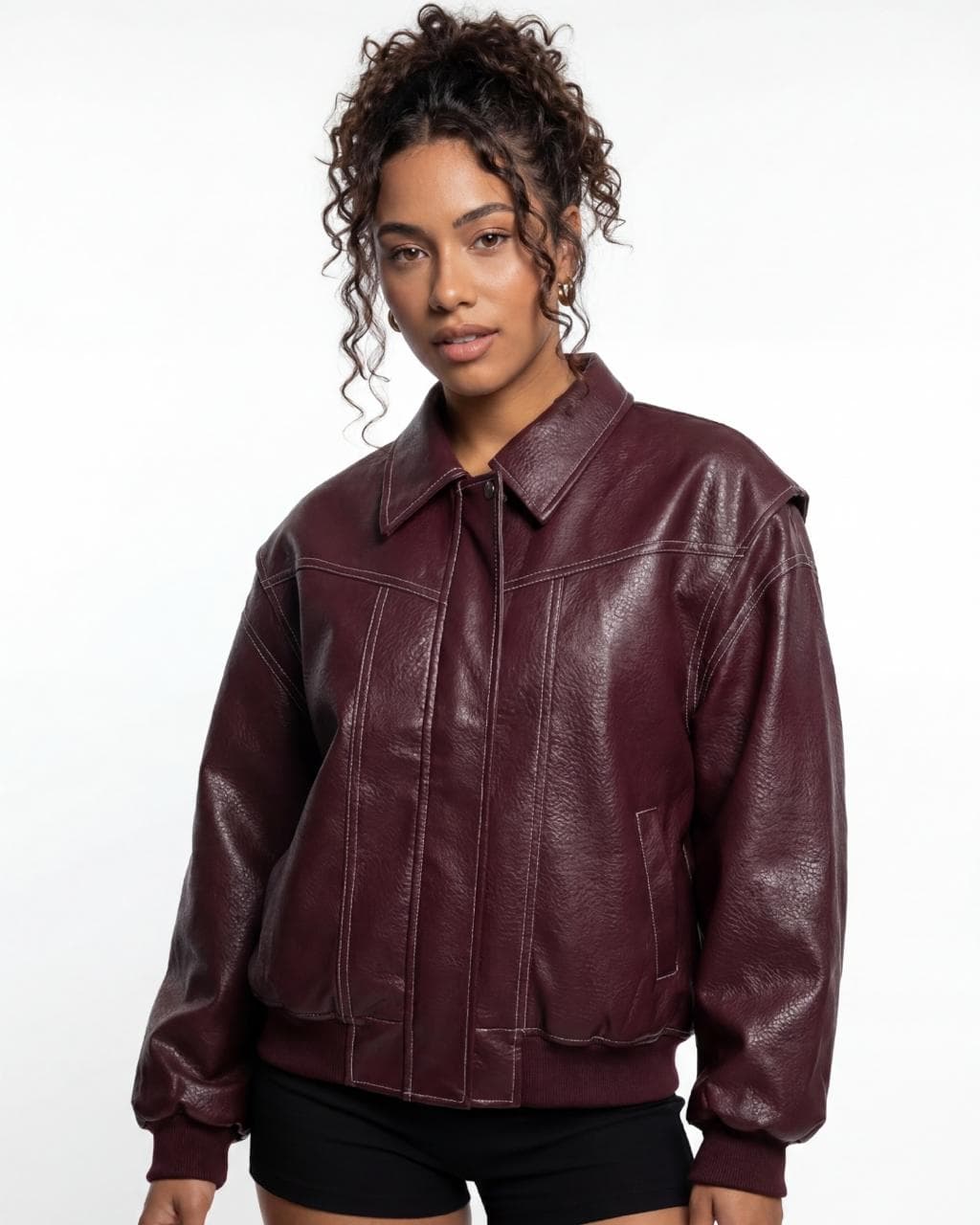
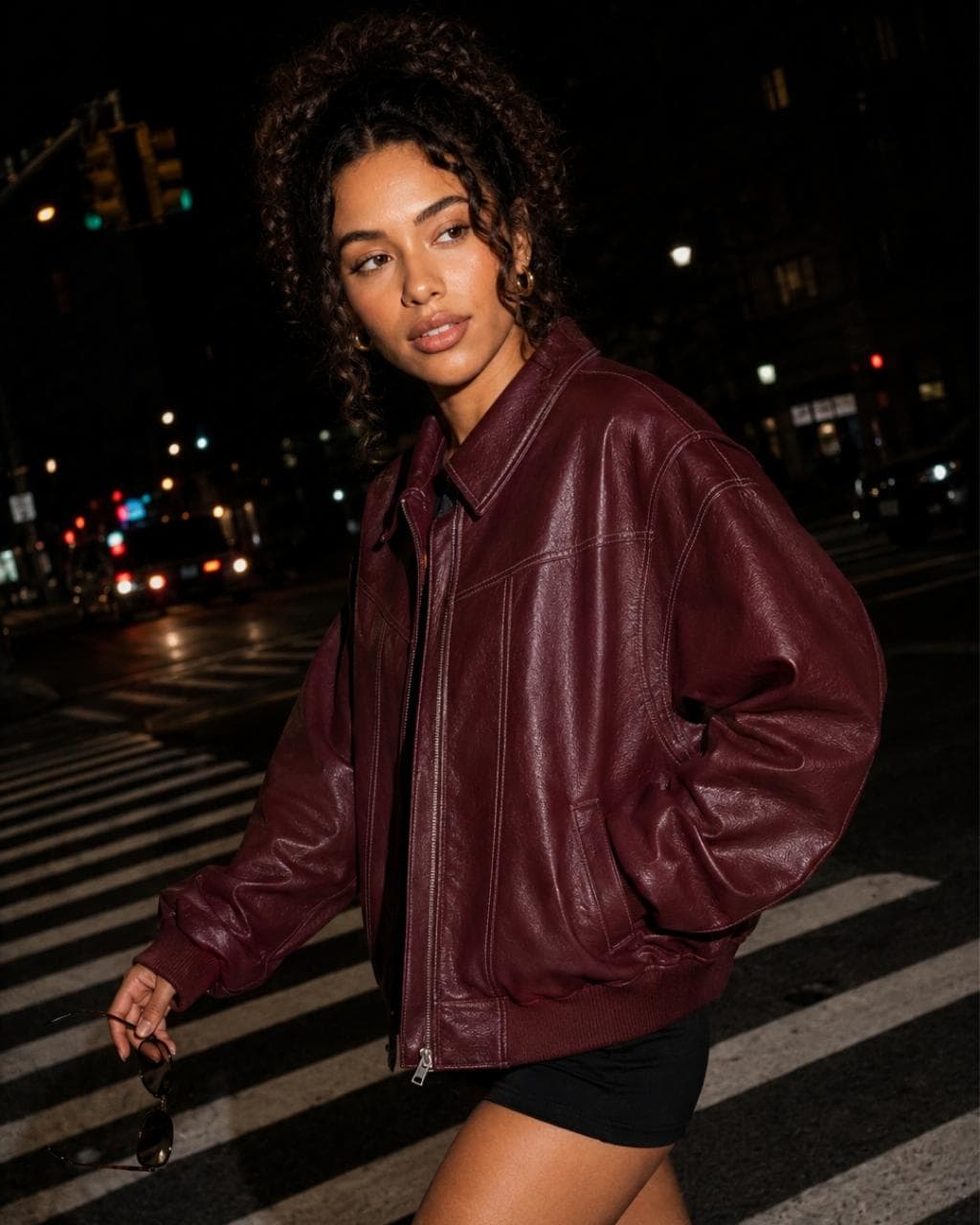
The example images show the same jacket in all five styles, generated with Futuriza Studio.
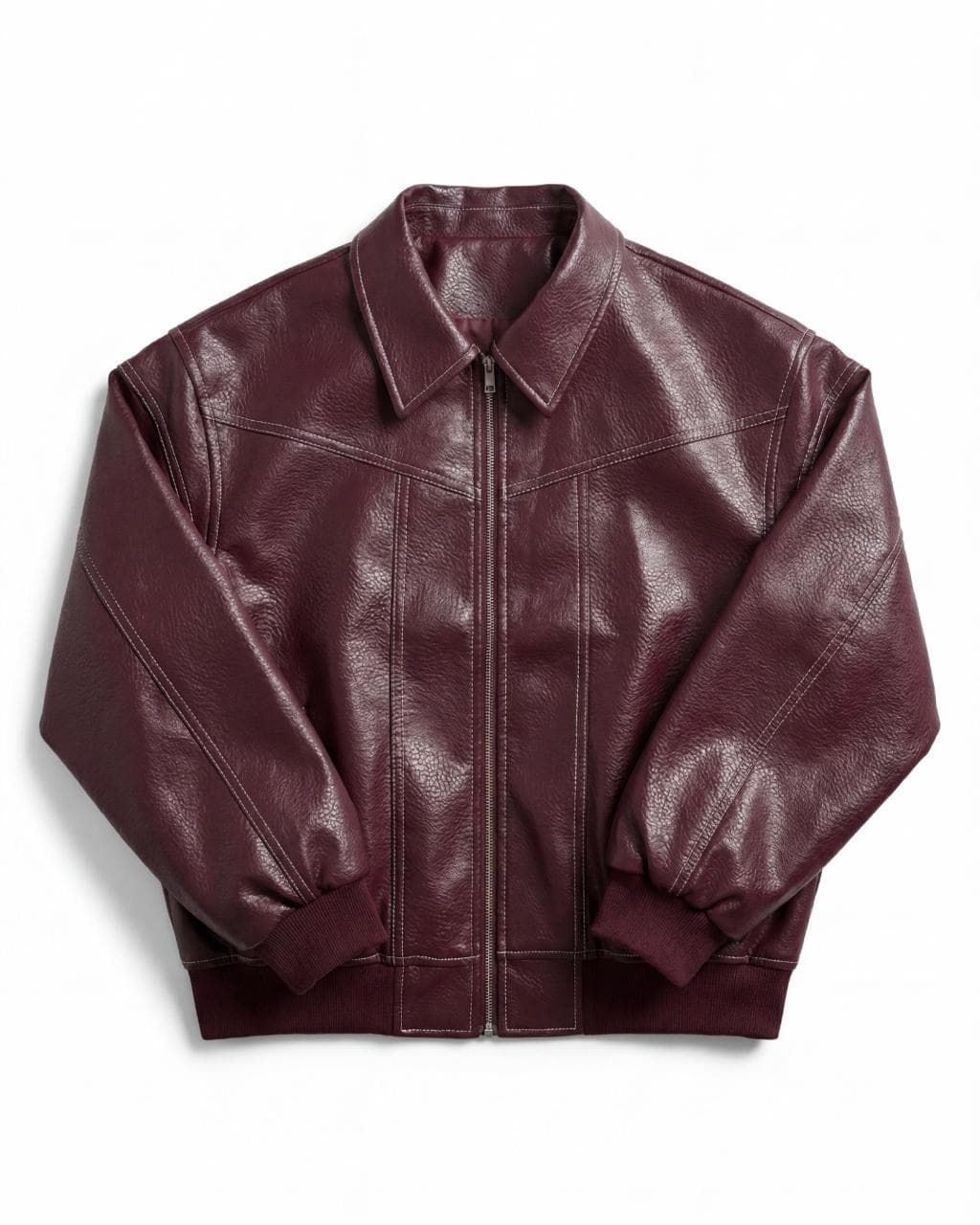
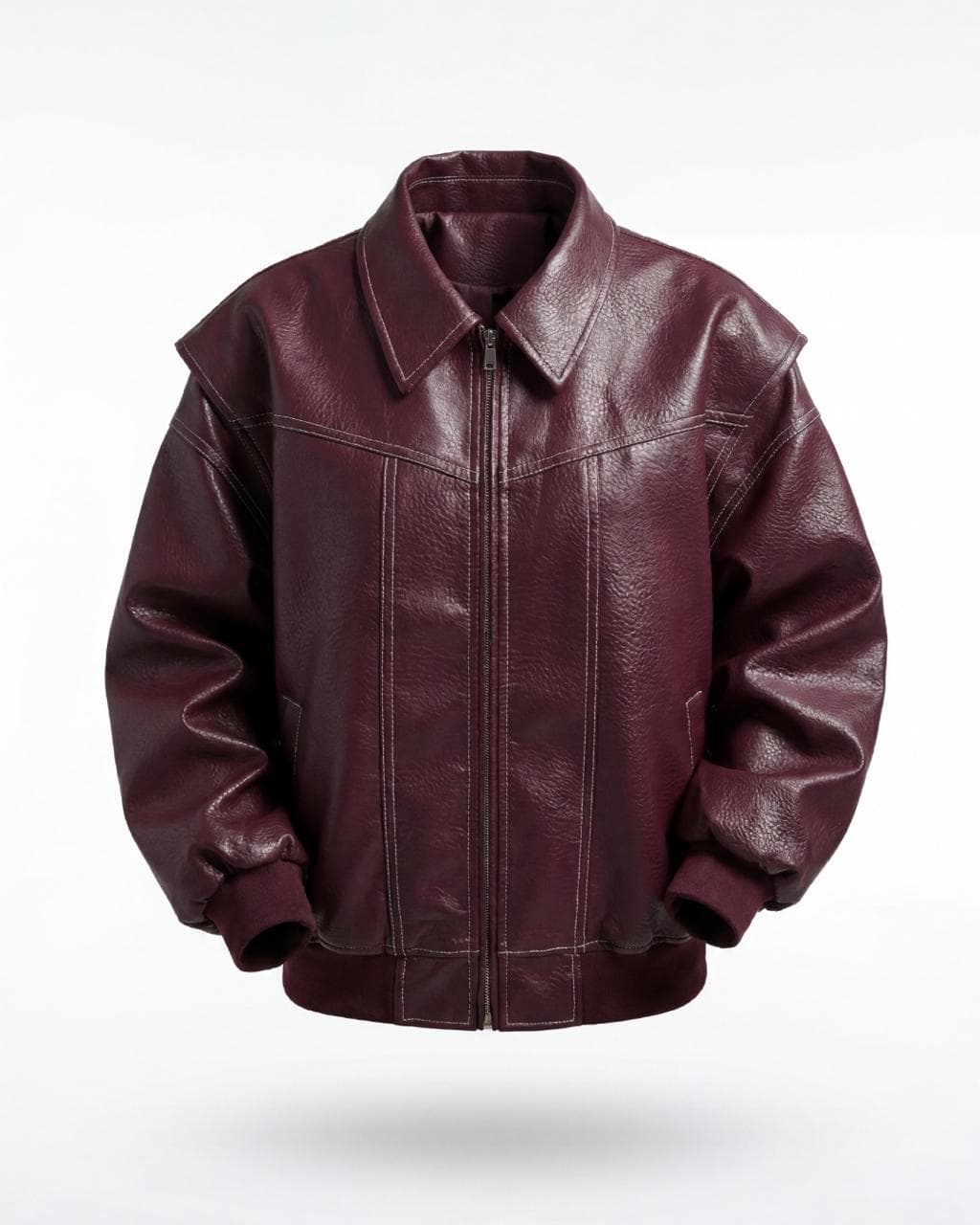
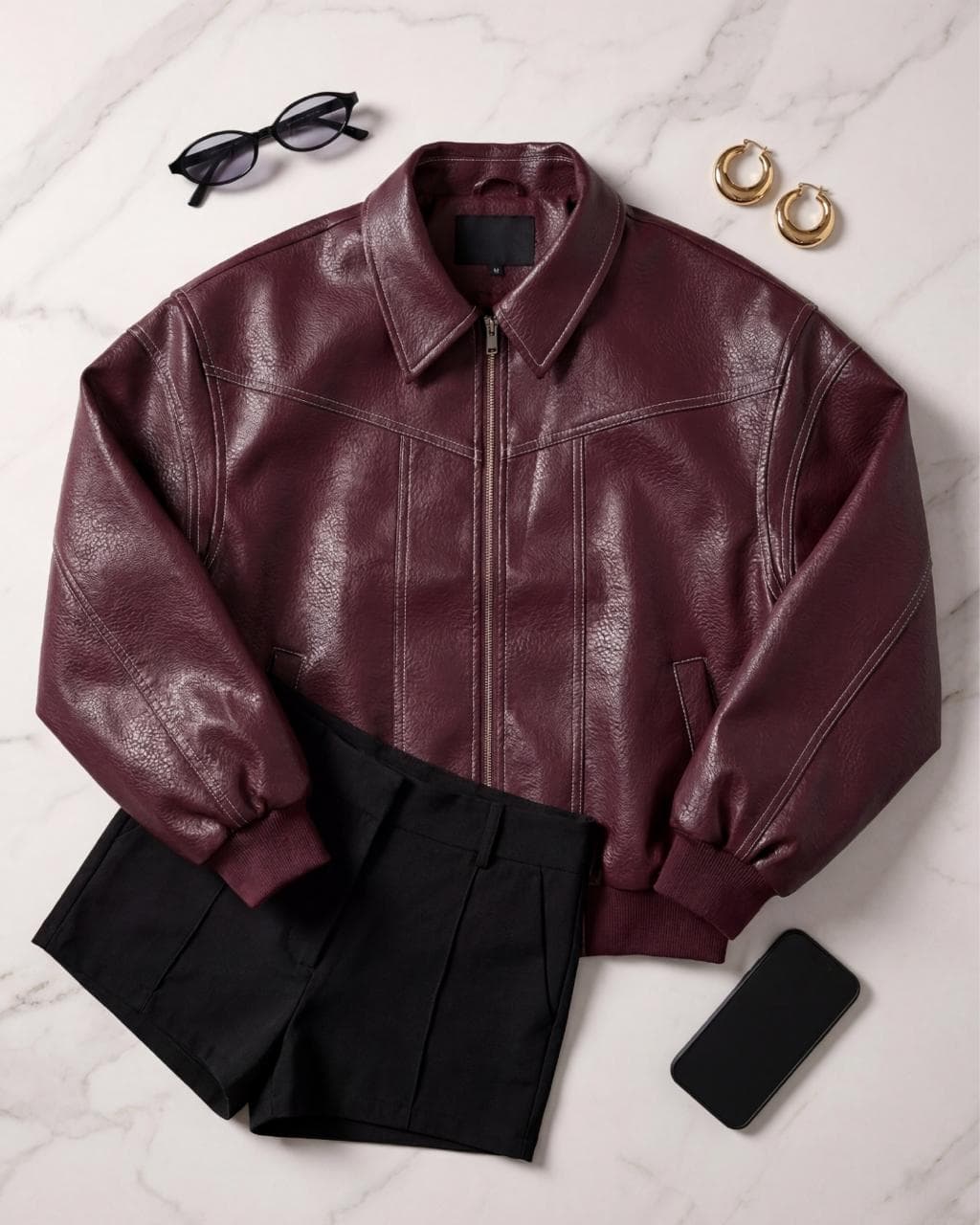
Try it with your own piece
Create your account and get 10 credits to generate your first images. No credit card and no photo shoot to book.