Style index
AI fashion photo styles
Futuriza Studio generates five photo styles from a simple photo of the piece. Three are product photos with no model: flat lay, ghost and creative still life. Two are on-model photos: lookbook and editorial. Here is how each one works and when to use it.
Product photo
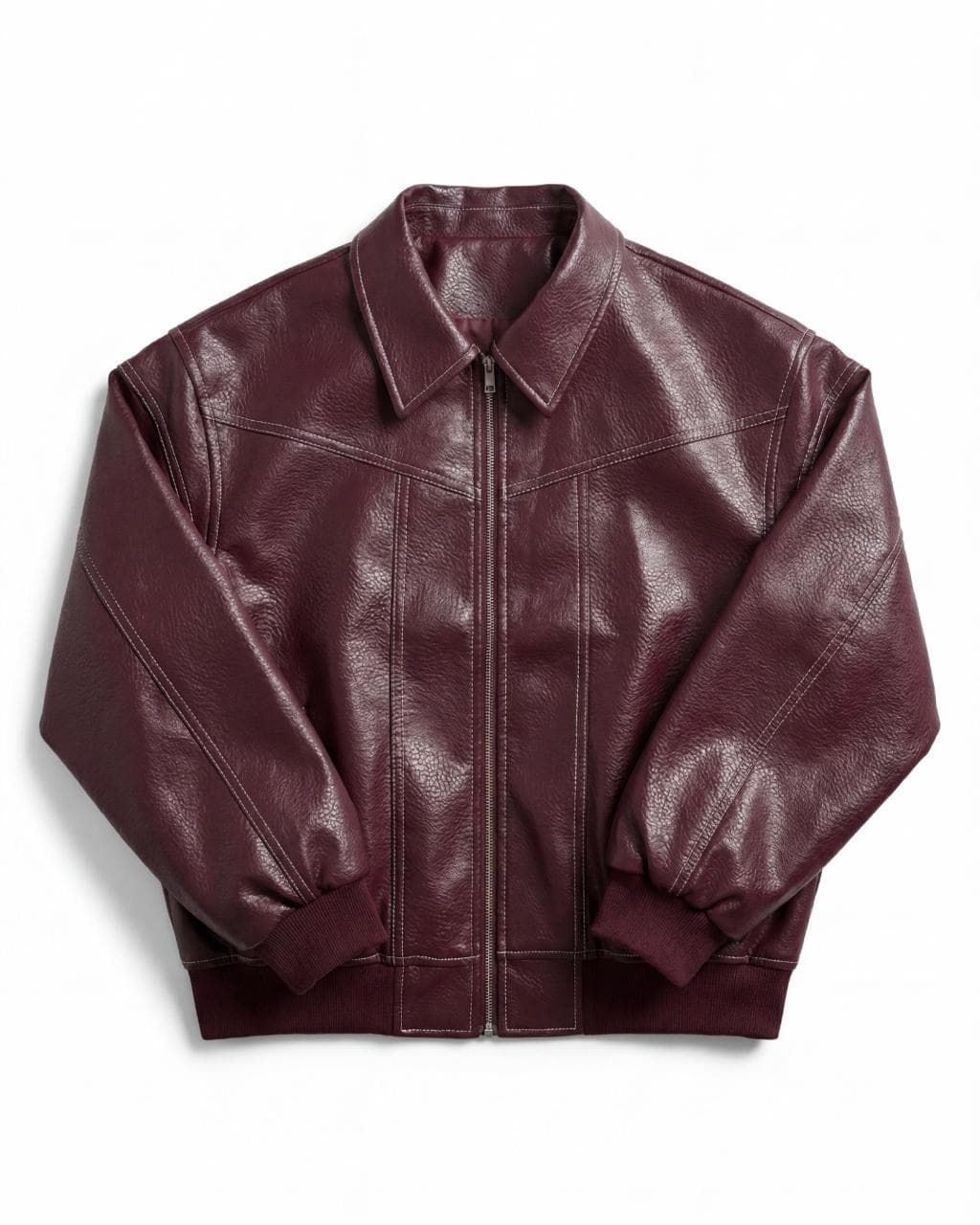
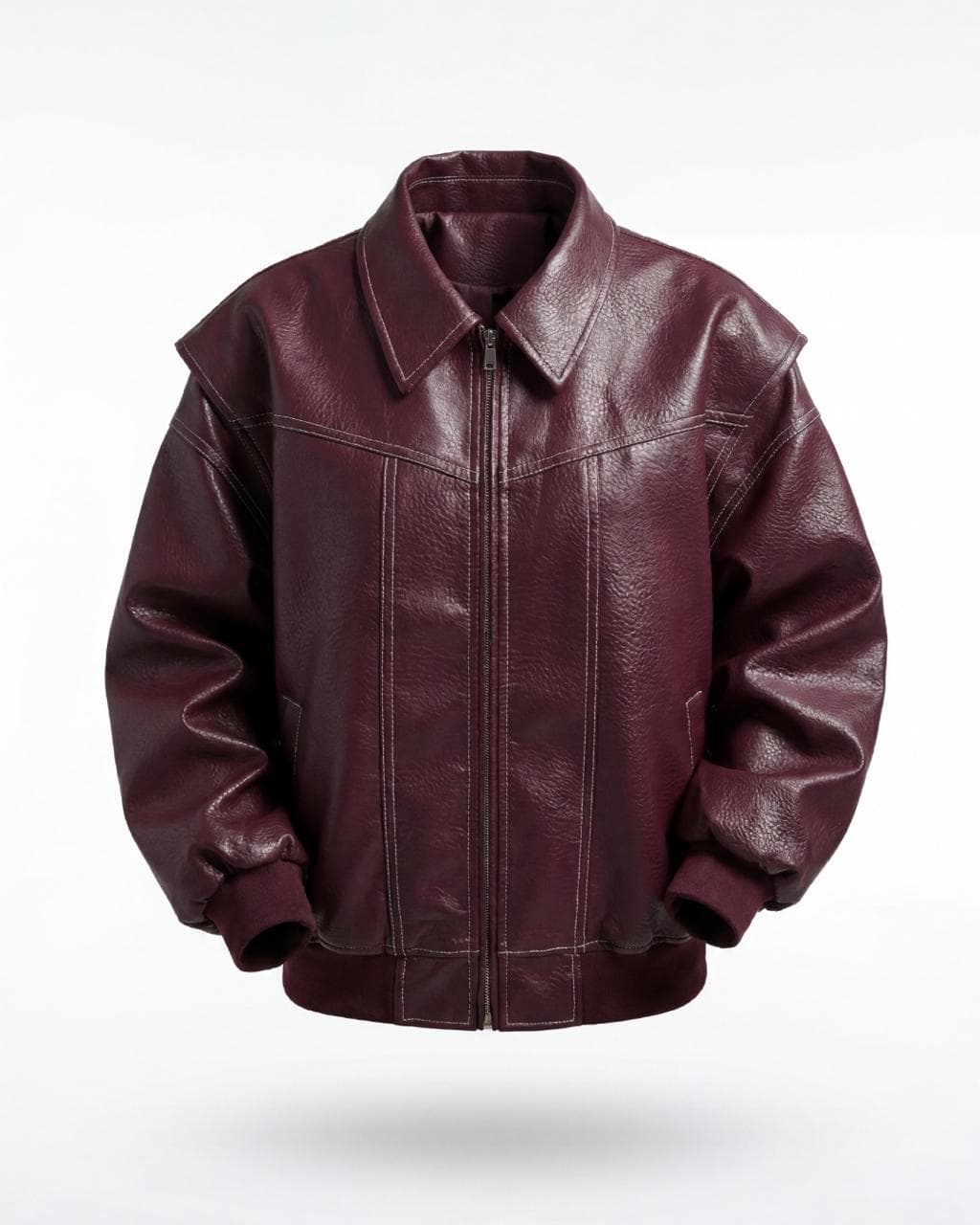
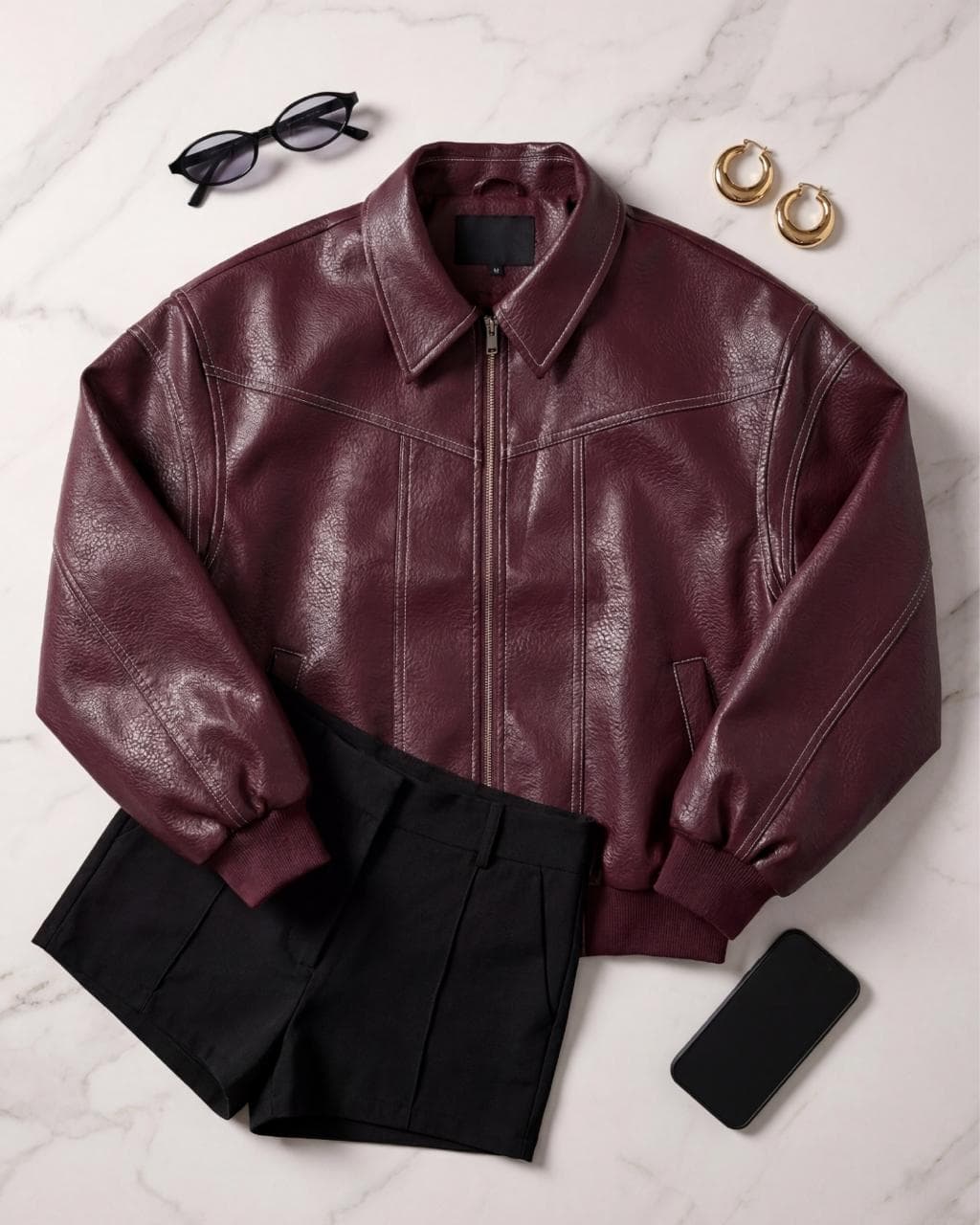
On-model photo
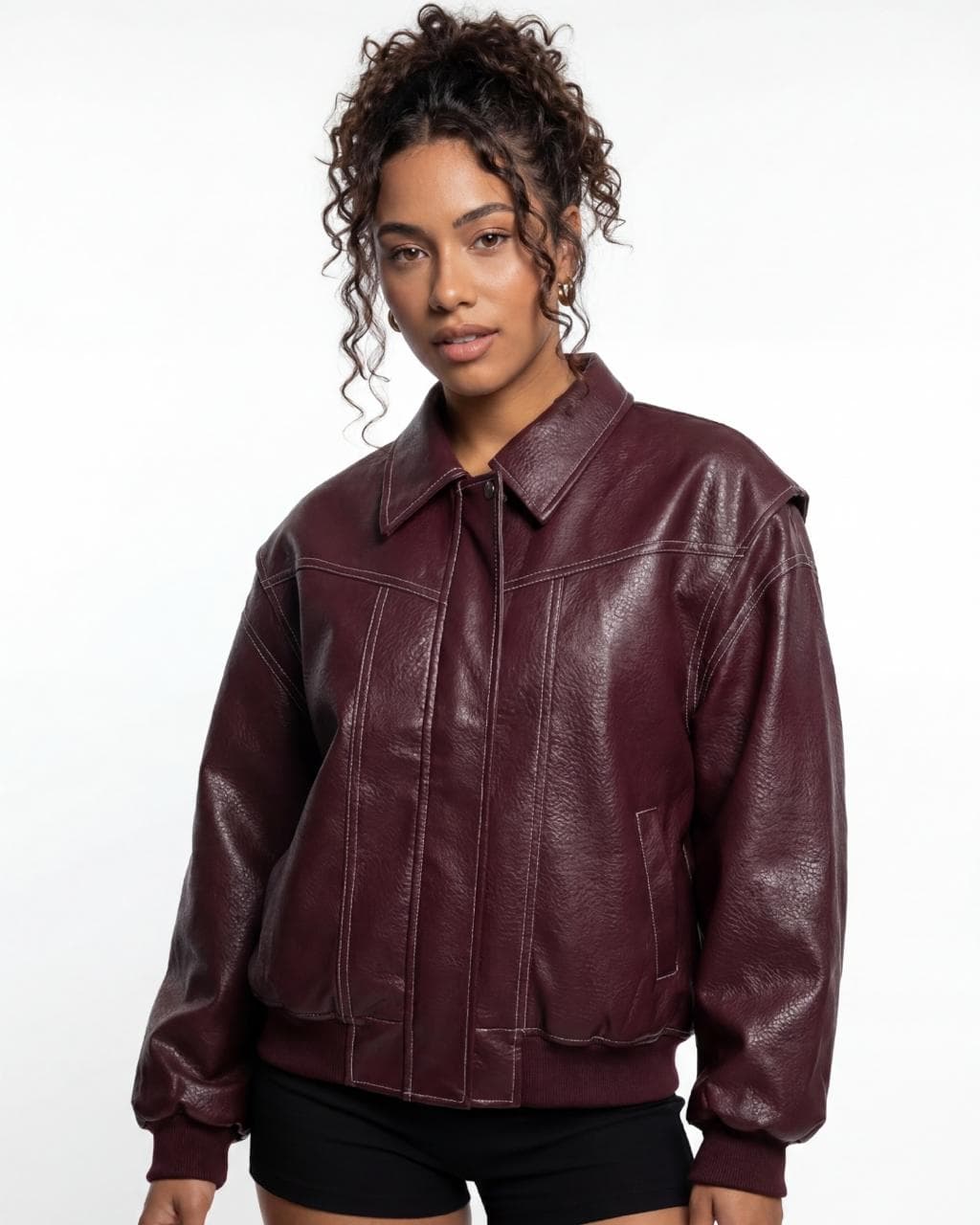
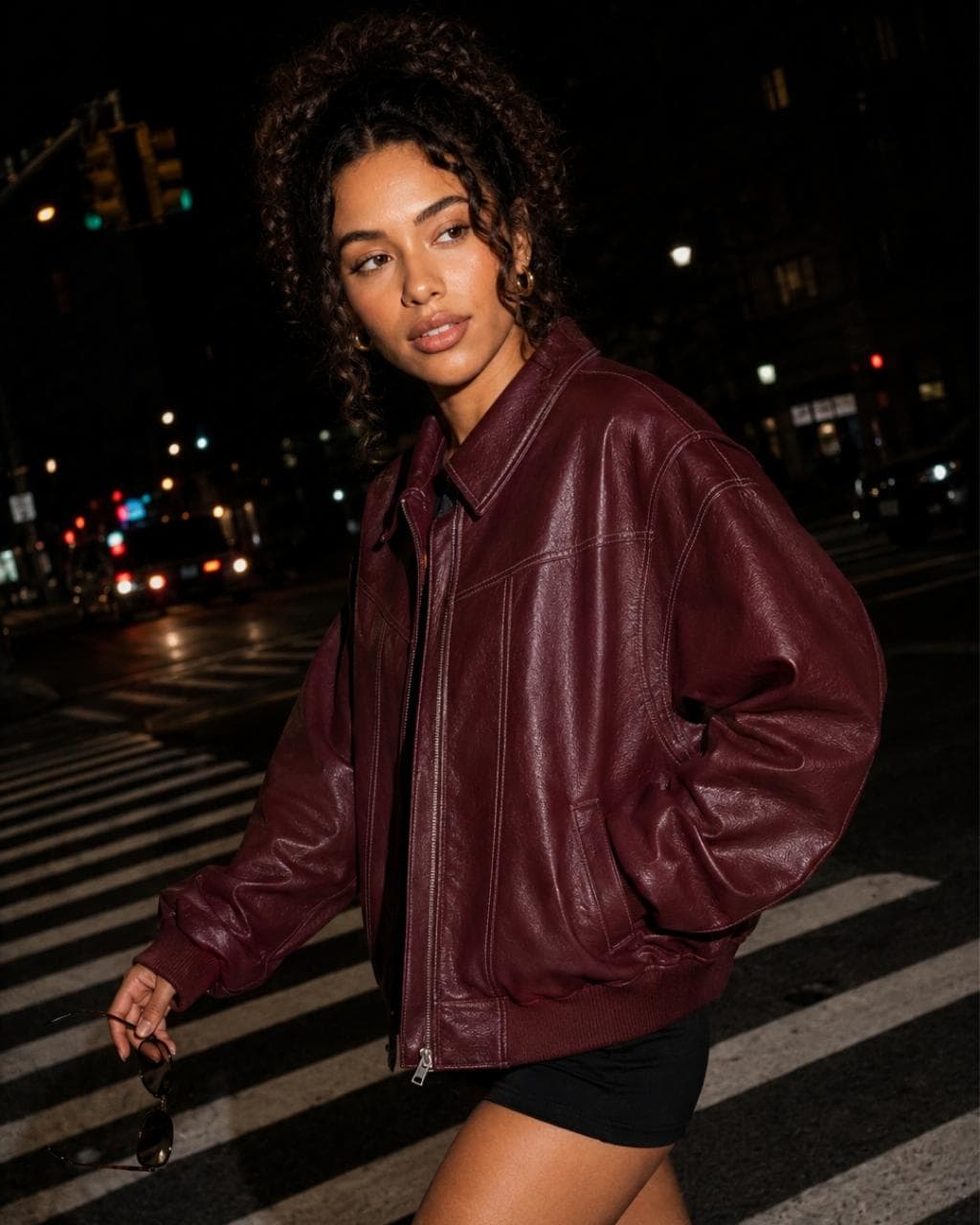
The example images show the same jacket in all five styles, generated with Futuriza Studio.
How it works
From a photo of the piece to a finished image
- 01
Upload the piece
Photograph the piece from the front, in good light and without wrinkles. A back photo is optional. We accept JPG, PNG, WebP and AVIF up to 50 MB.
- 02
Choose the style
Flat lay, ghost, creative still life, lookbook or editorial. For on-model photos, you also pick the model, the pose and the scene from the Studio library.
- 03
Generate and download
The AI creates the image in minutes, in 2K or 4K, in the format you need: 1:1, 2:3, 3:4, 4:3, 16:9 or 9:16.
Comparison
AI or a traditional photo shoot?
Photo shoots still have their place. For catalog, e-commerce and recurring content, AI does the same job at a different scale.
| Futuriza Studio | Traditional shoot | |
|---|---|---|
| Turnaround | Minutes per image | Days or weeks, counting production and post-production |
| What you need | A simple photo of the piece | Studio, photographer, models, styling and shipping the pieces |
| Variations | Swap model, pose, scene and format without redoing the shoot | Every new variation needs another day of production |
| Consistency | The same models and scenes across the whole collection | Depends on schedules, weather and crew |
| Best for | Catalog, e-commerce, marketplaces and social media | Productions that need people on set, such as runway and behind the scenes |
Try it with your own piece
Create your account and get 10 credits to generate your first images. No credit card and no photo shoot to book.