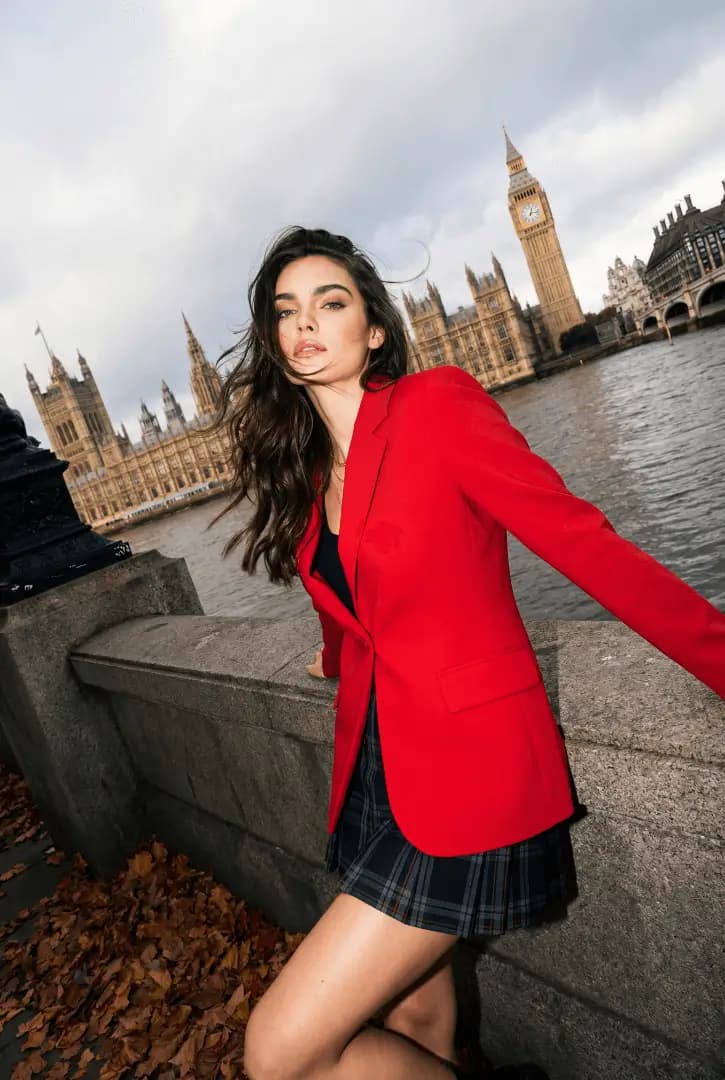
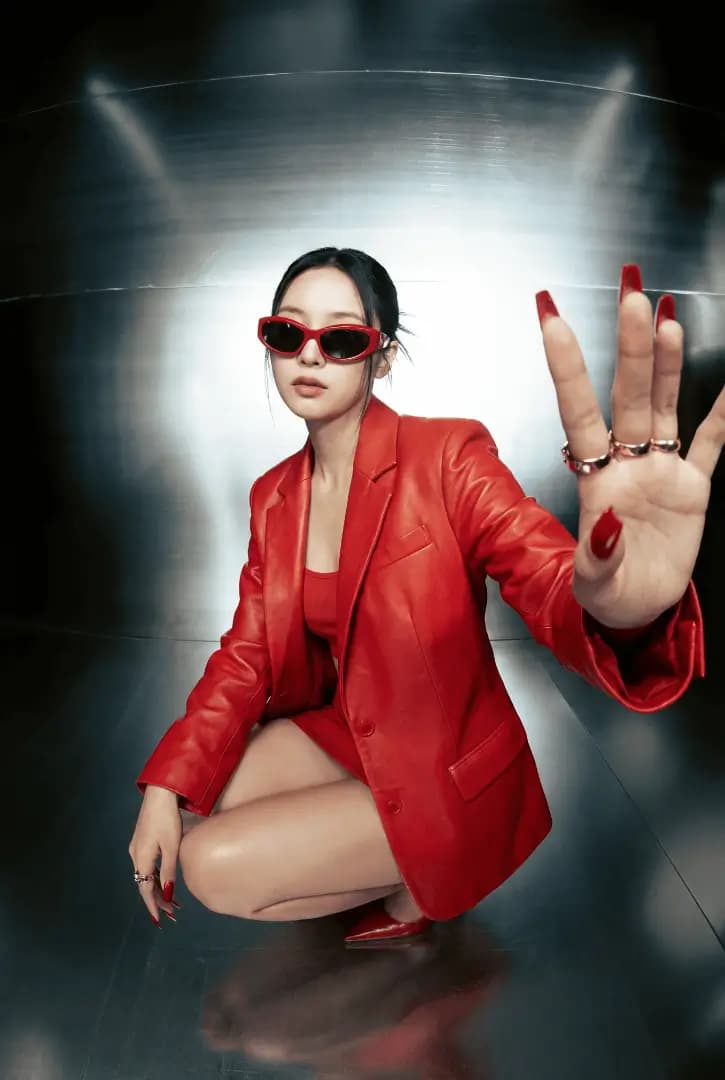
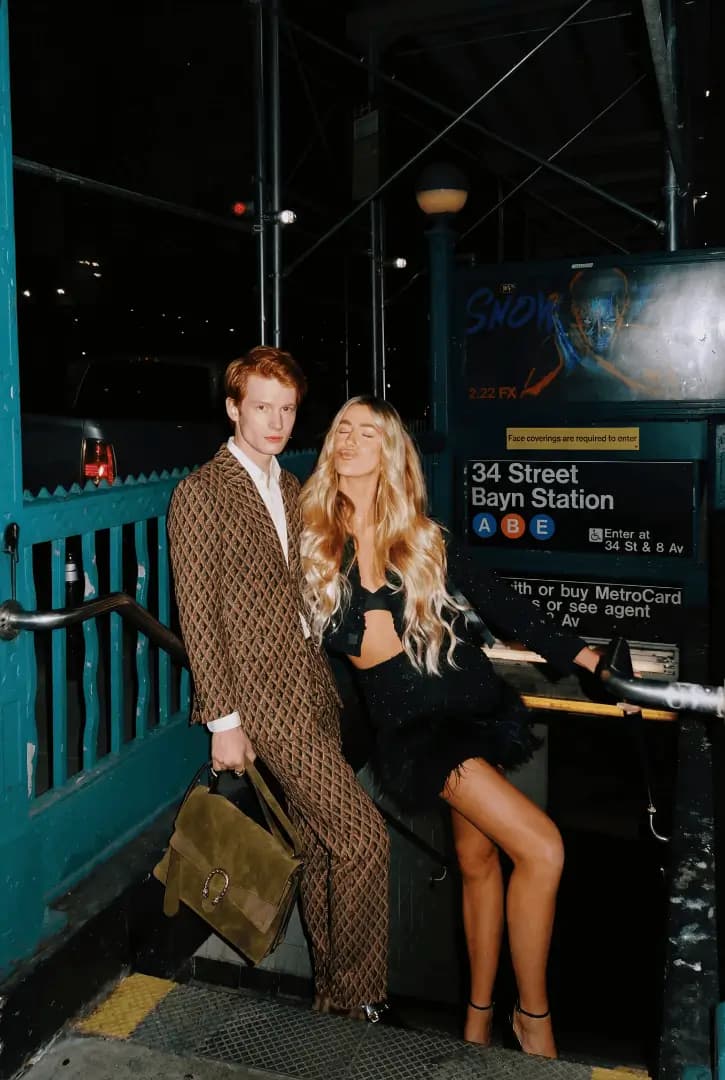
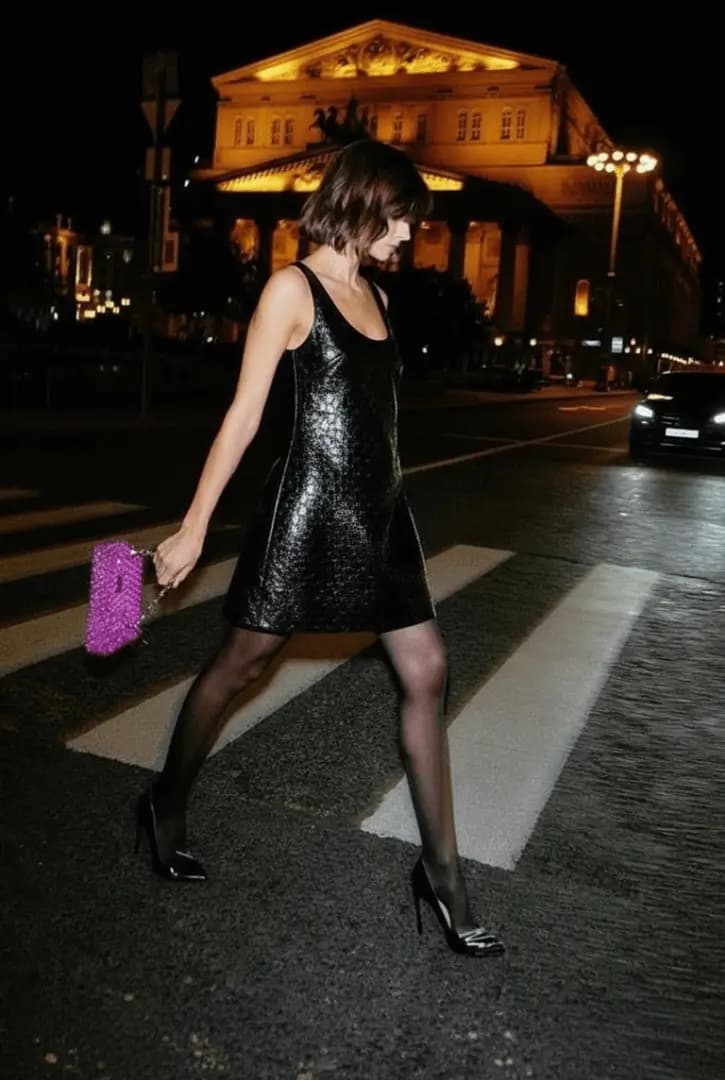
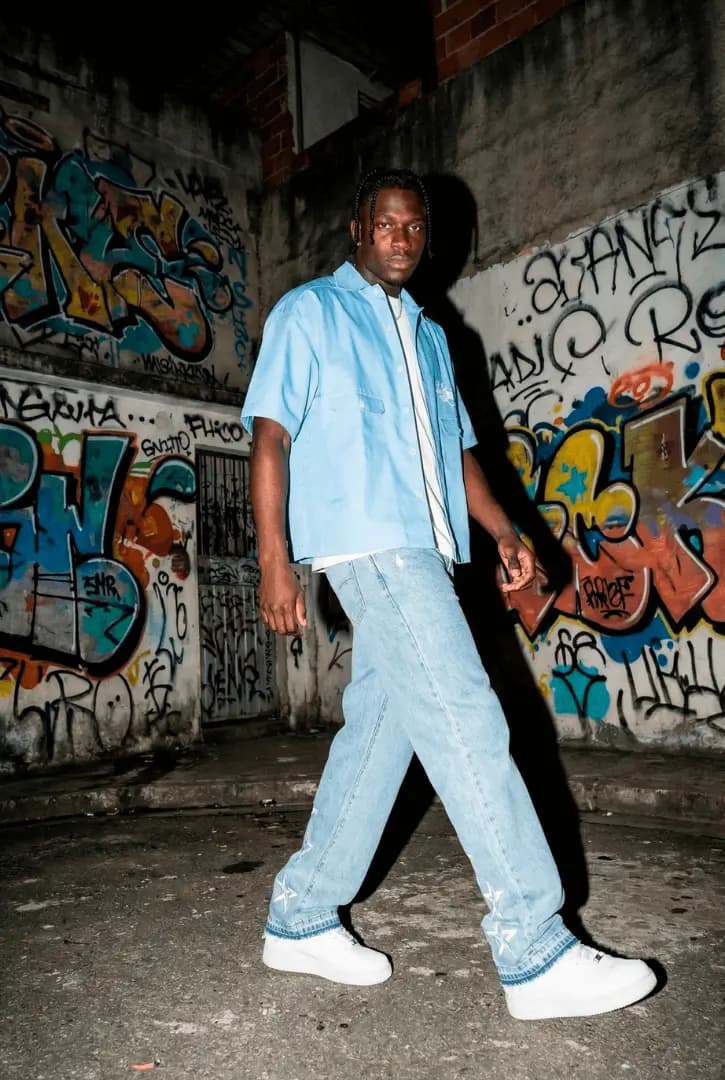
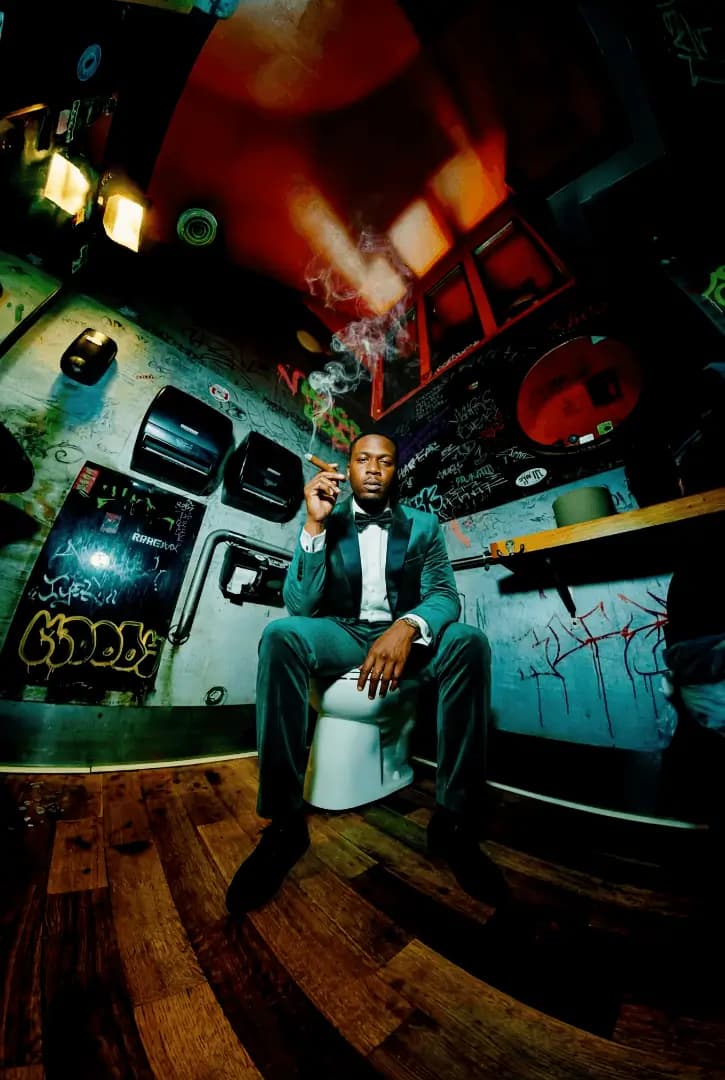
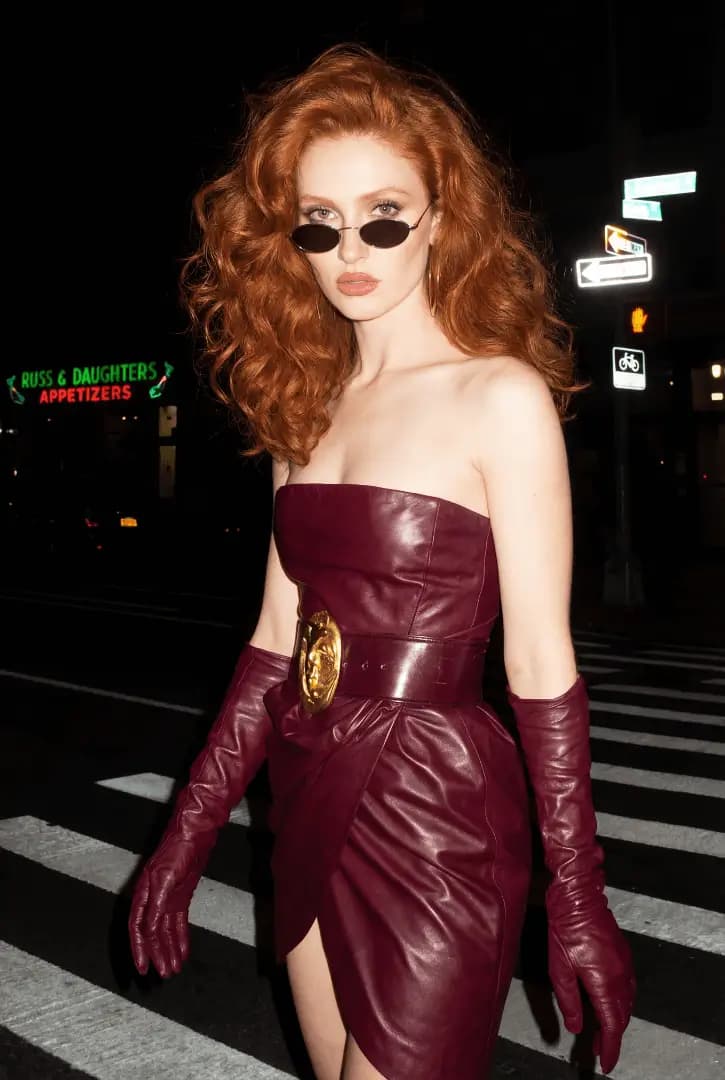
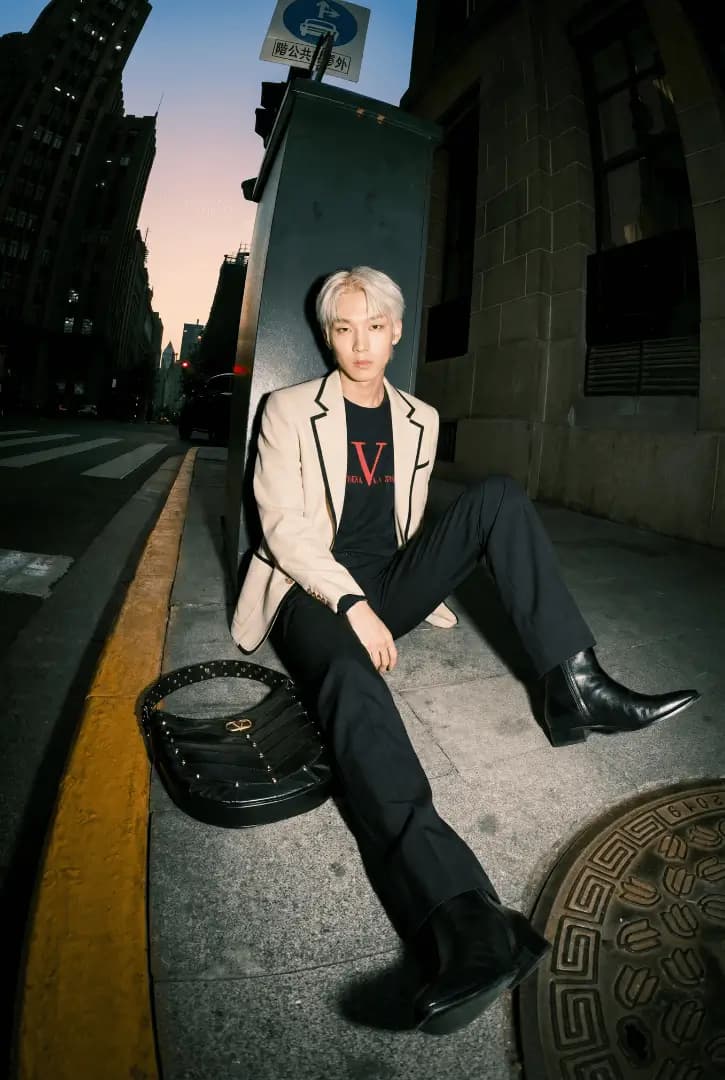
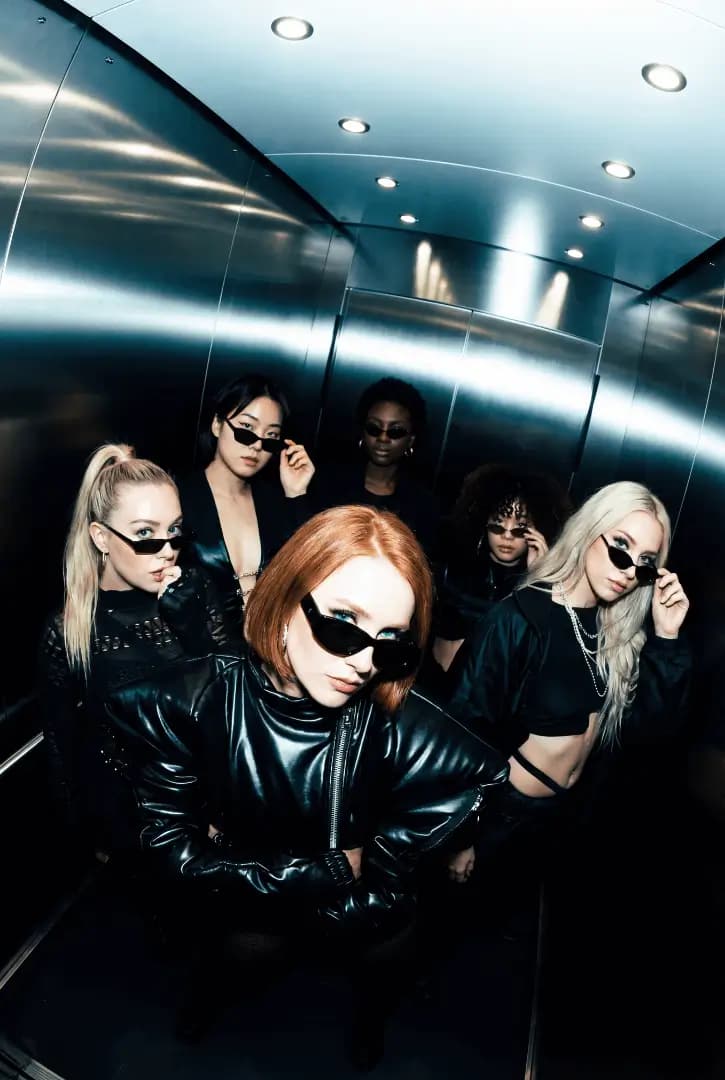
Fig. 01 — Editorial campaign · AI fashion collection
The AI studiobehind top fashion brands
Turn simple shots of your fashion pieces into editorial campaigns, lookbooks and professional stills in minutes
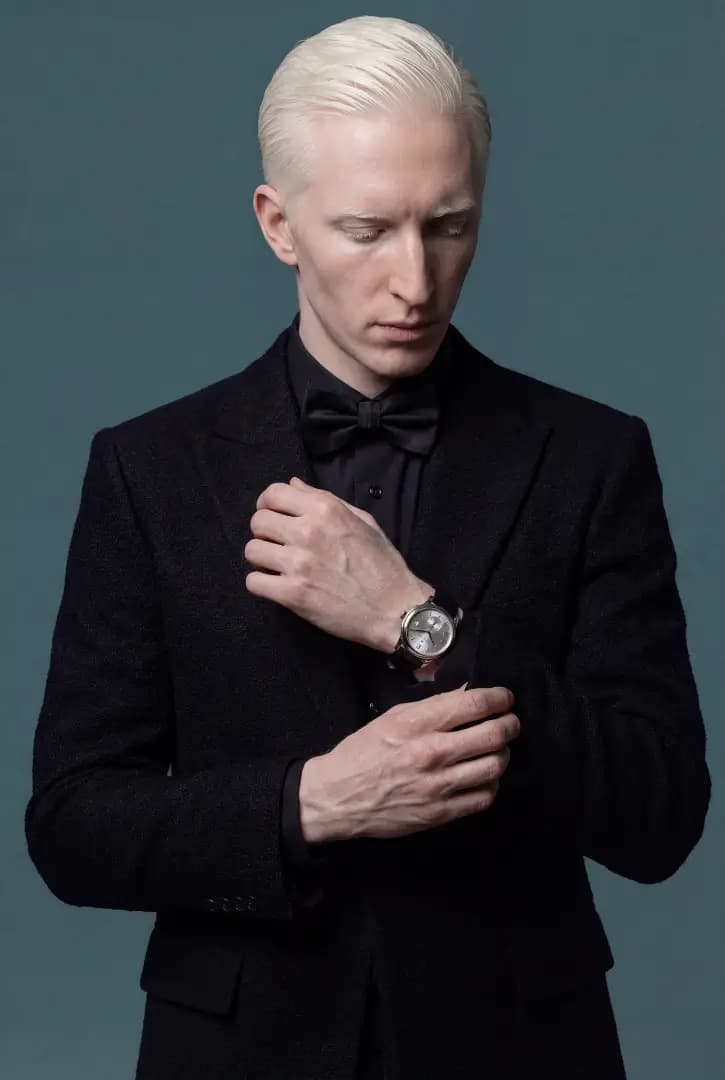
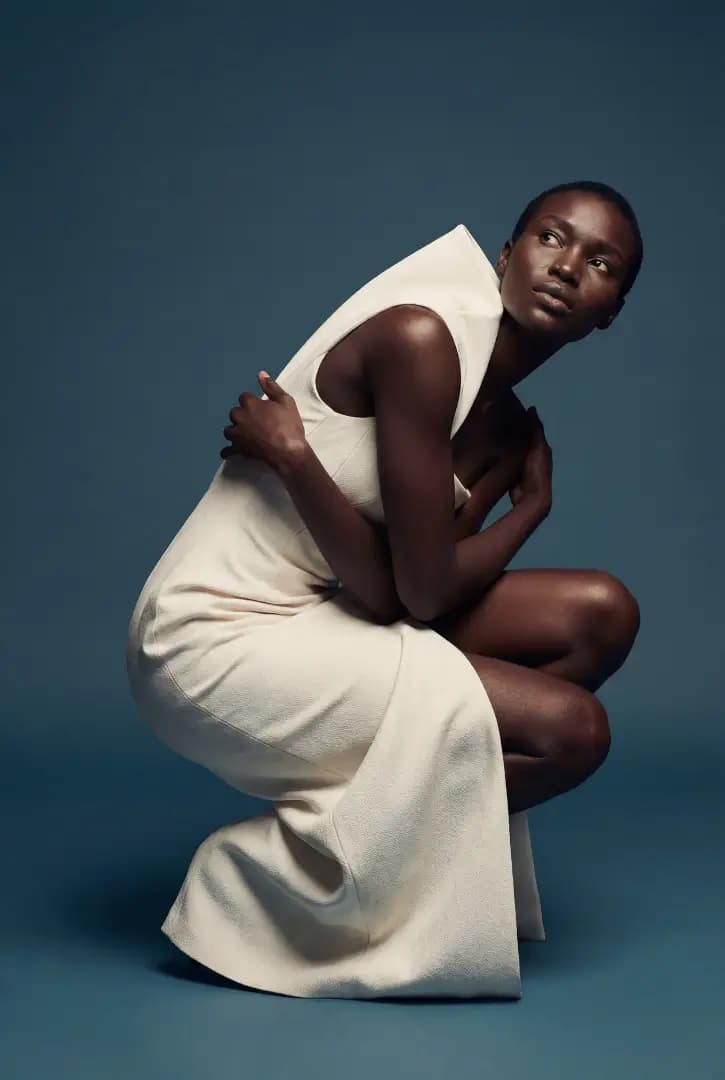
01 Impressionism and consistency at scale
02 Exclusive models, scenes and presets
Fig. 02 — Brand index
Top brands already use it








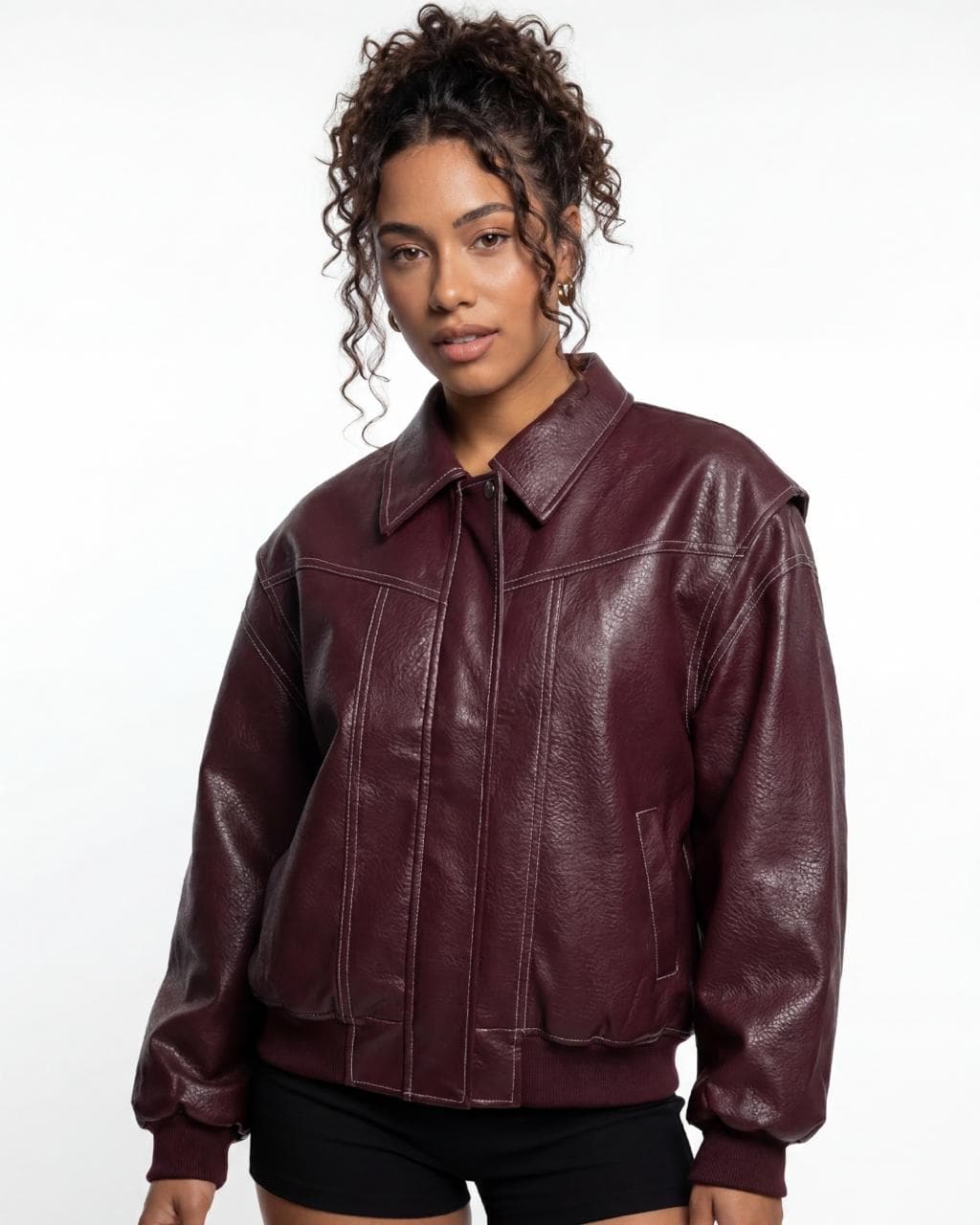
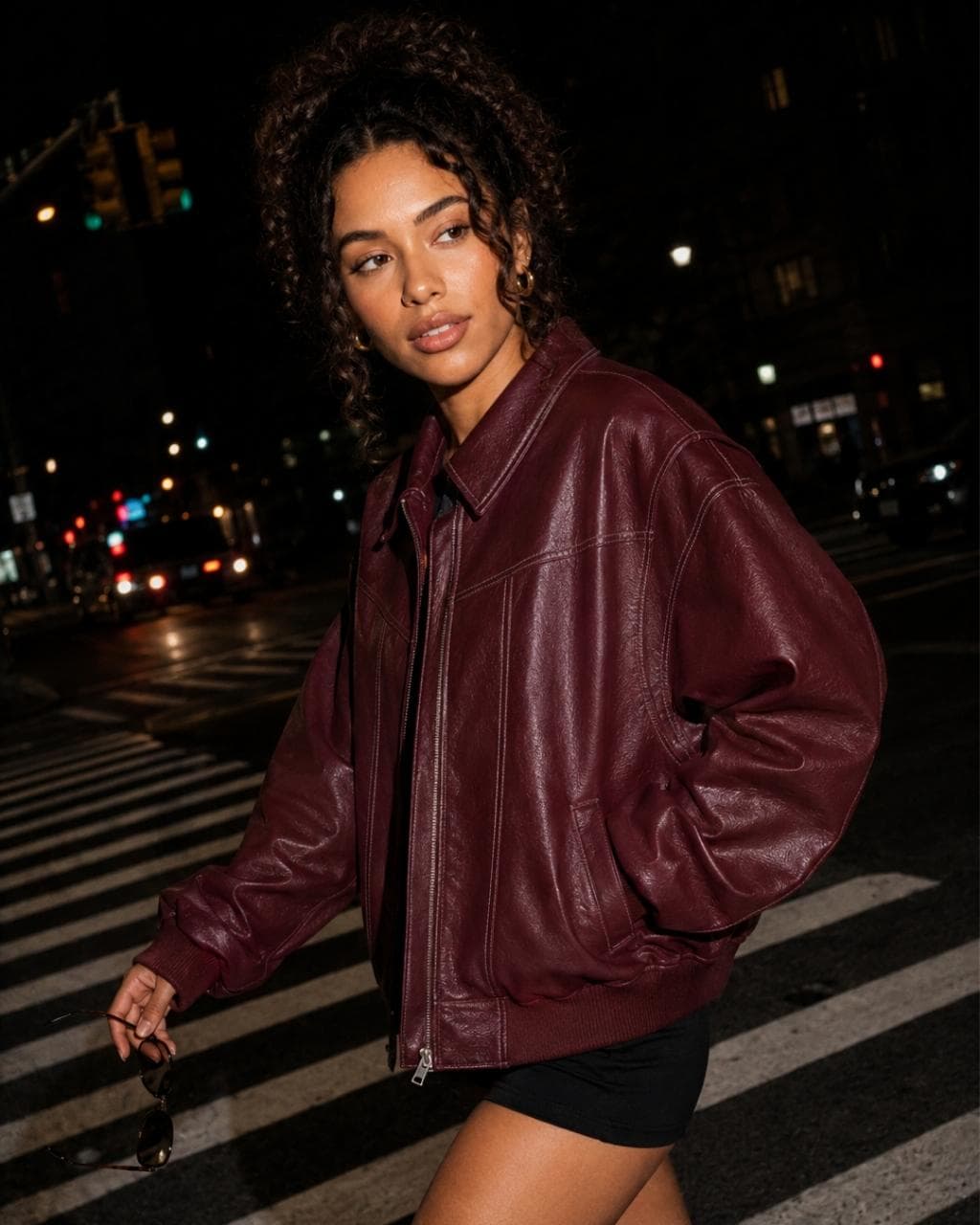
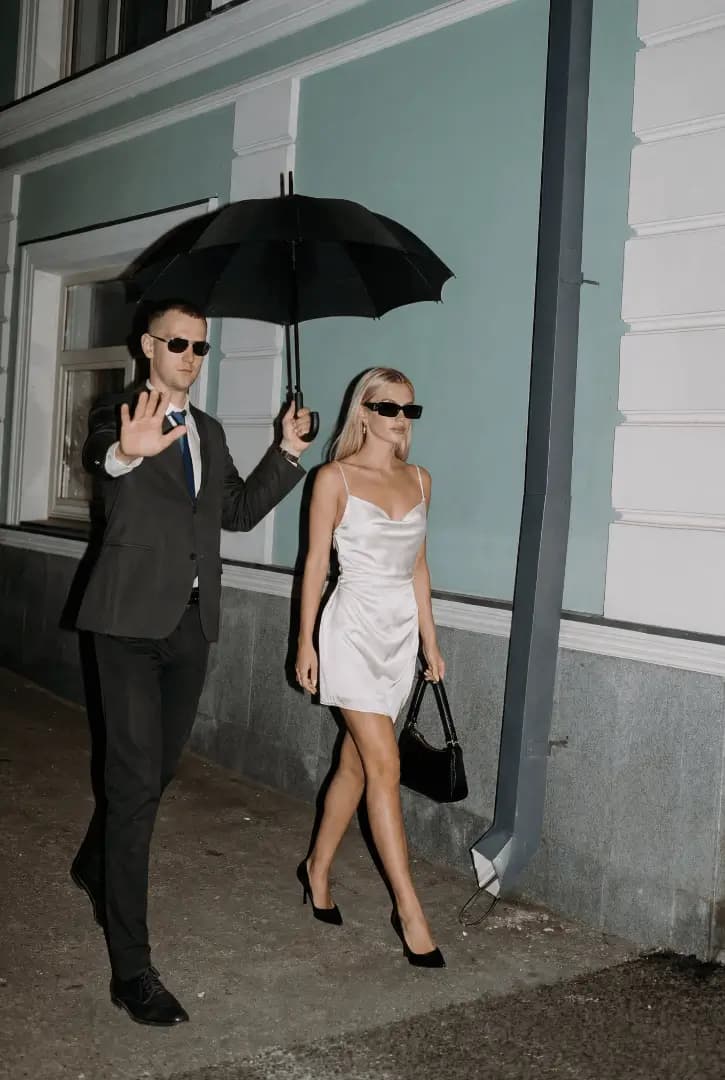
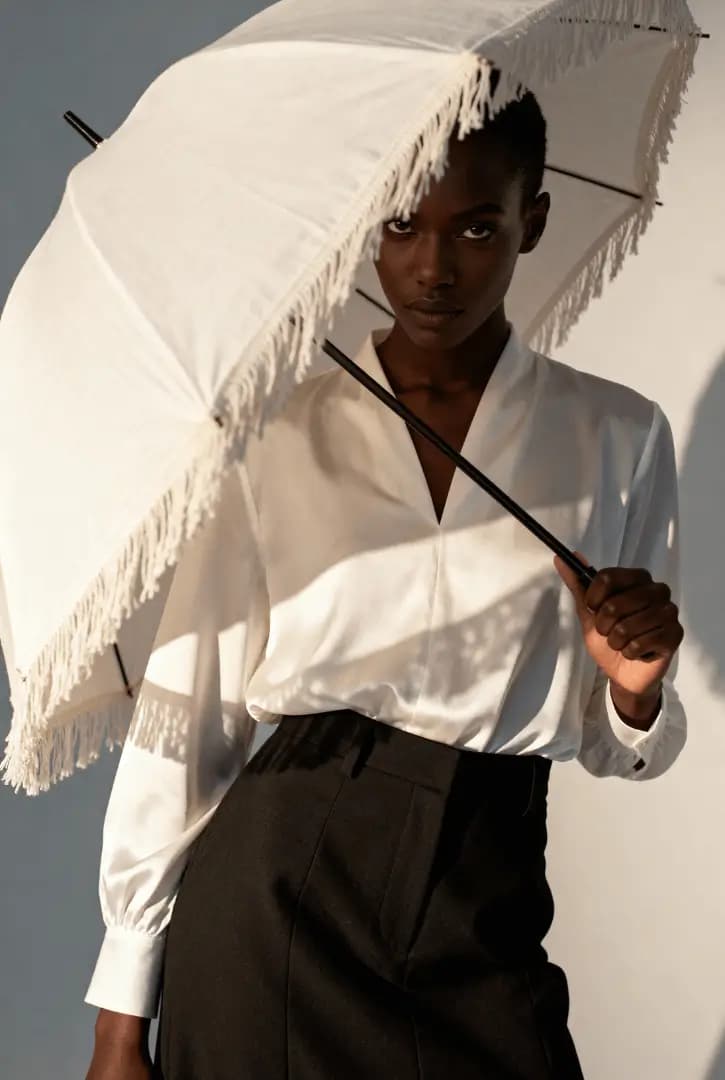
Fig. 03 — Style index
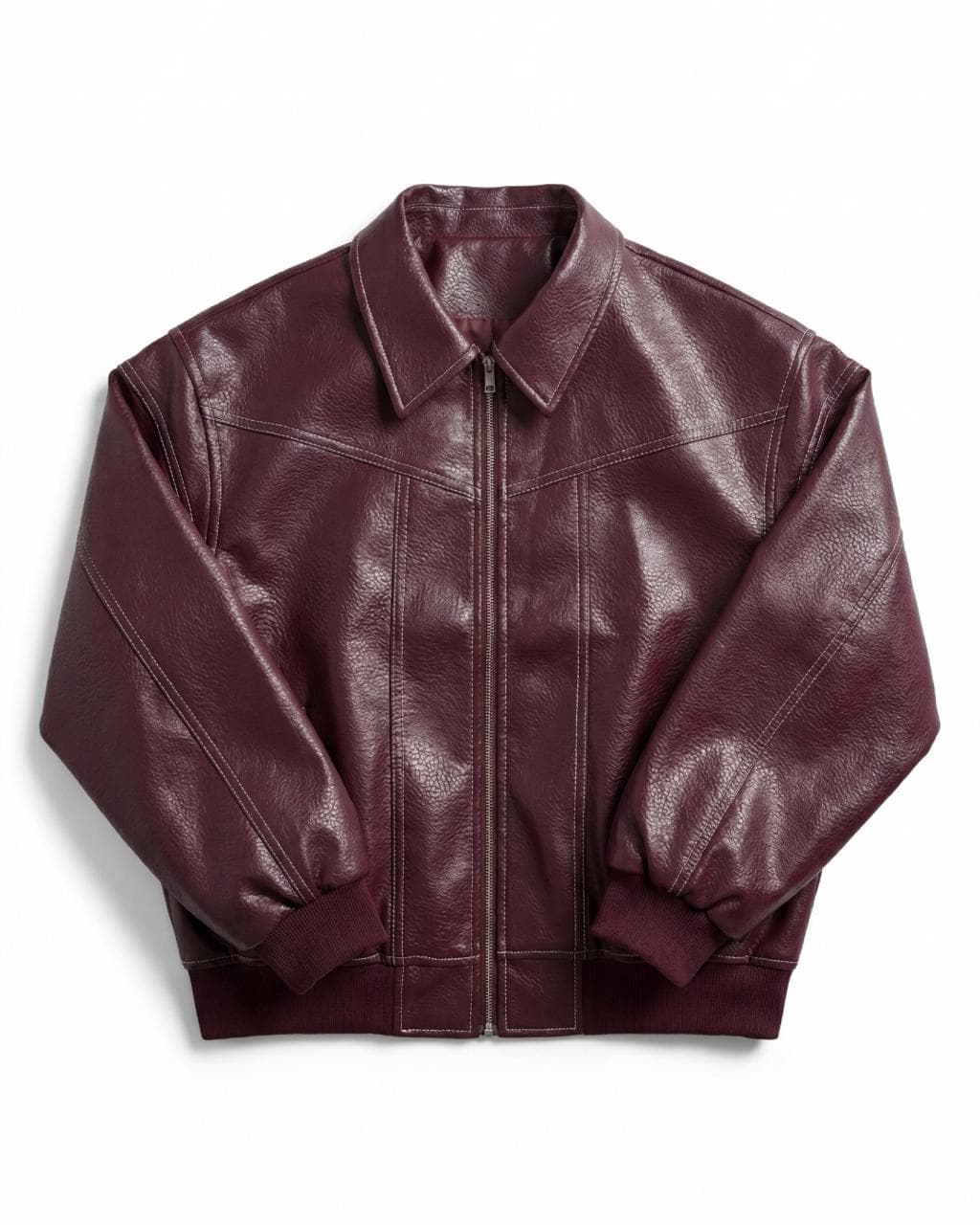
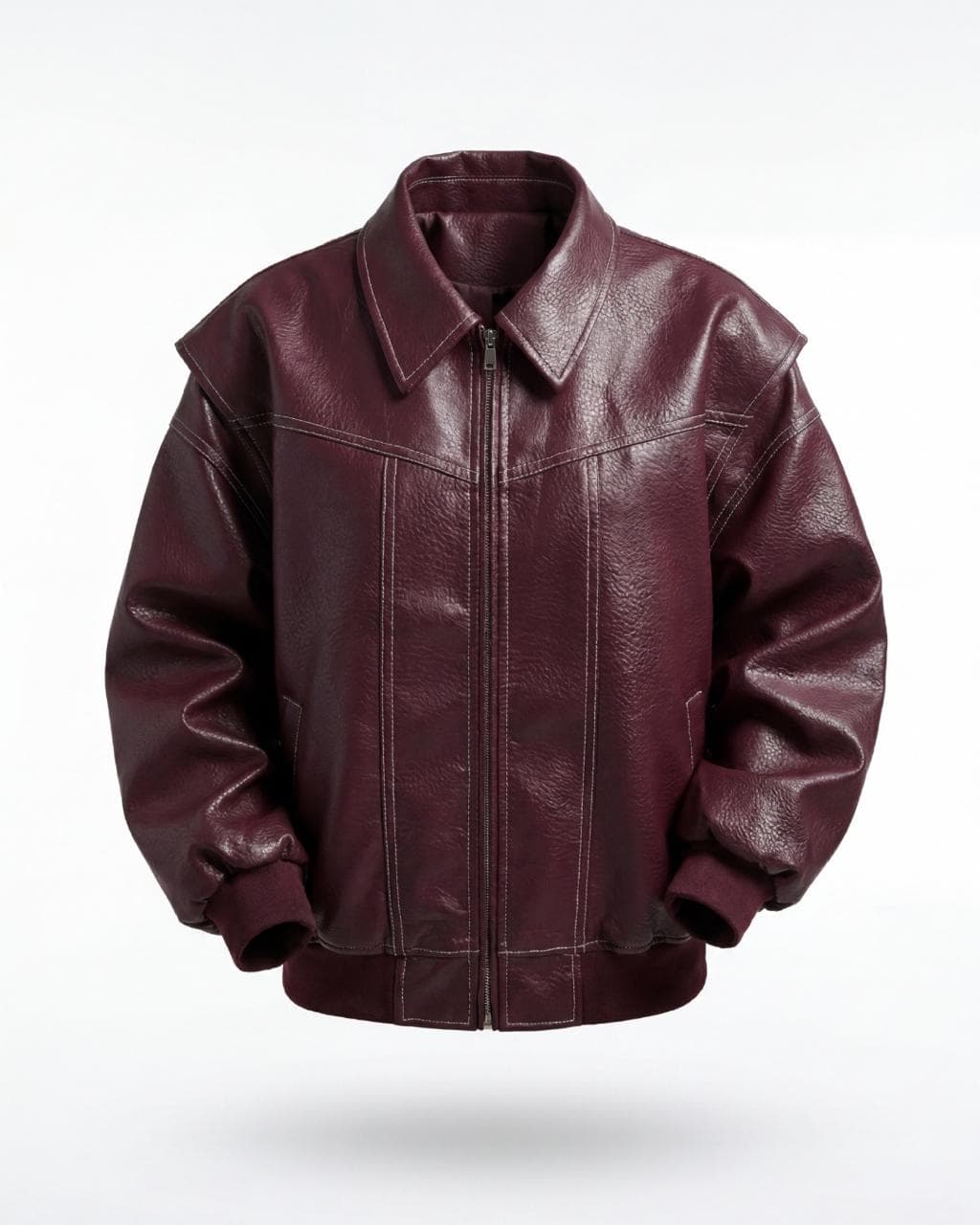
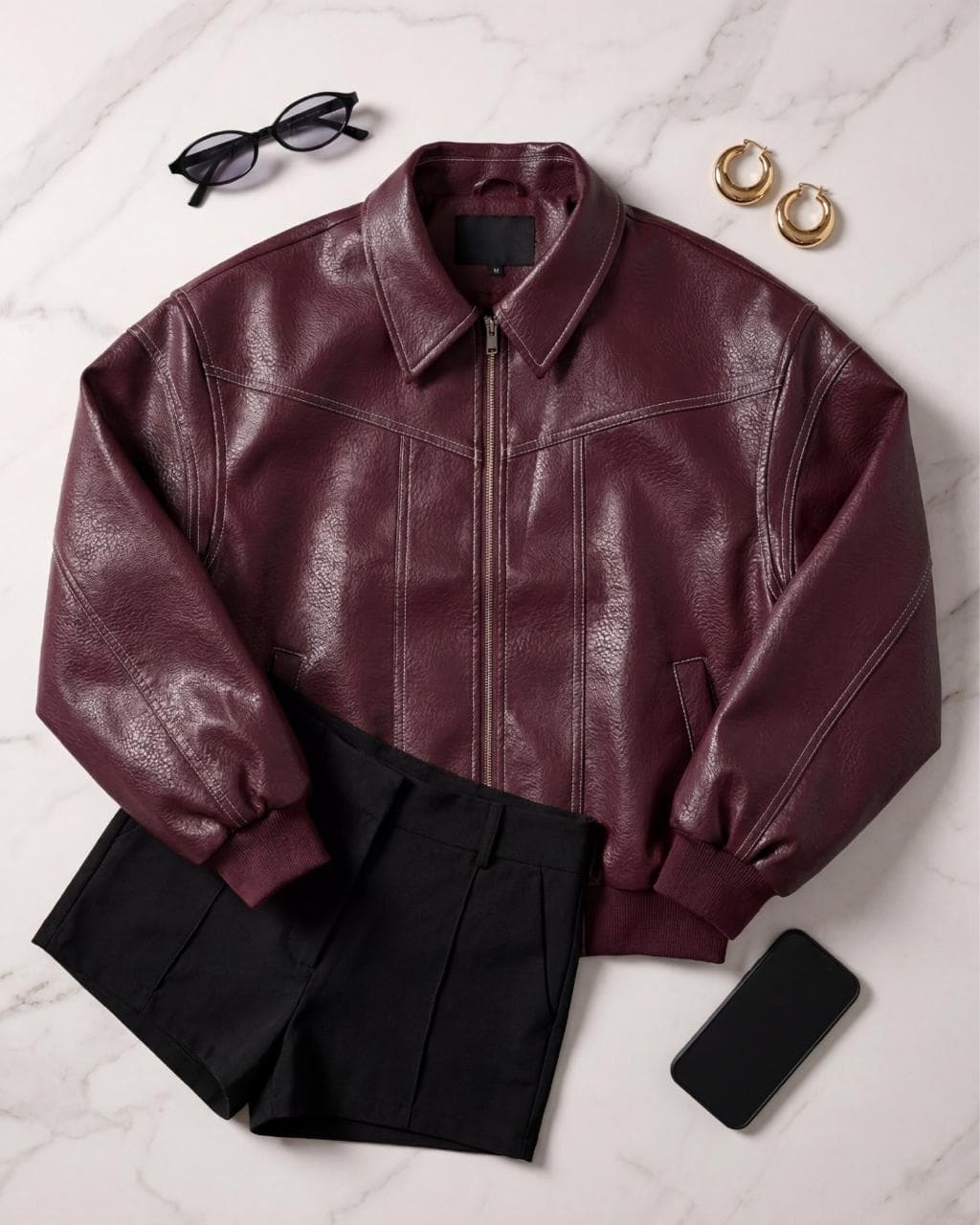
One studio, every style
From flat lay to editorial, pick the style and our AI does the rest.
THE CANVA OF FASHION
Unlike complex AI imagery tools that require intricate prompt engineering, Futuriza Studio is entirely preset-based. Users simply select from a robust library of models, poses, backgrounds and preset campaigns.
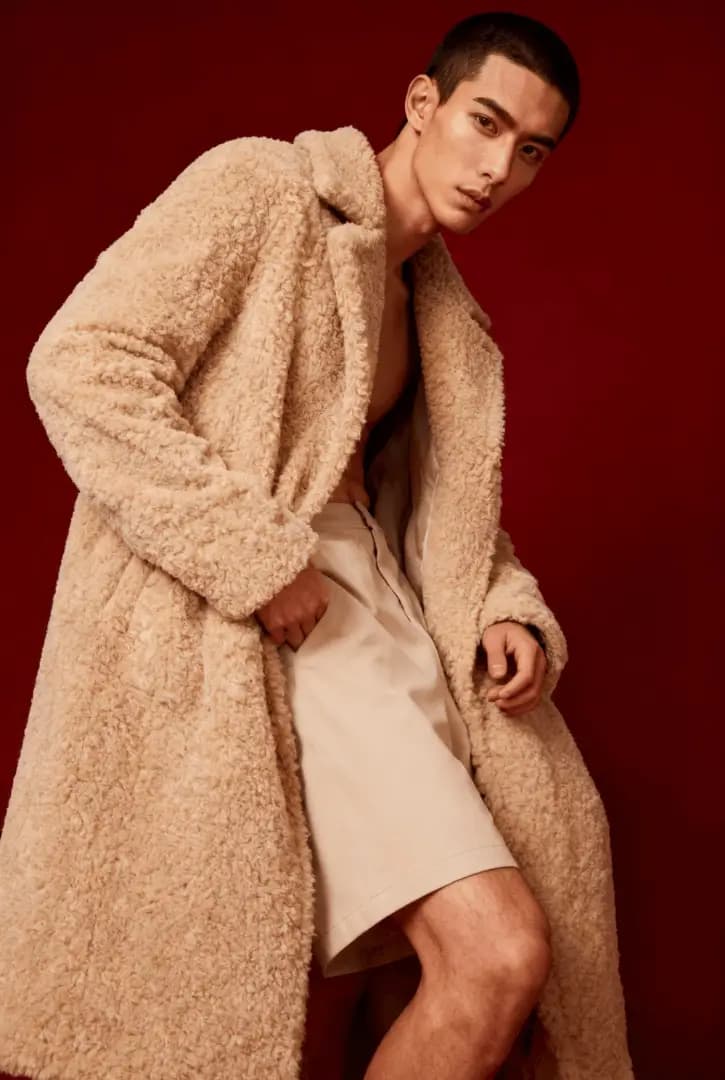
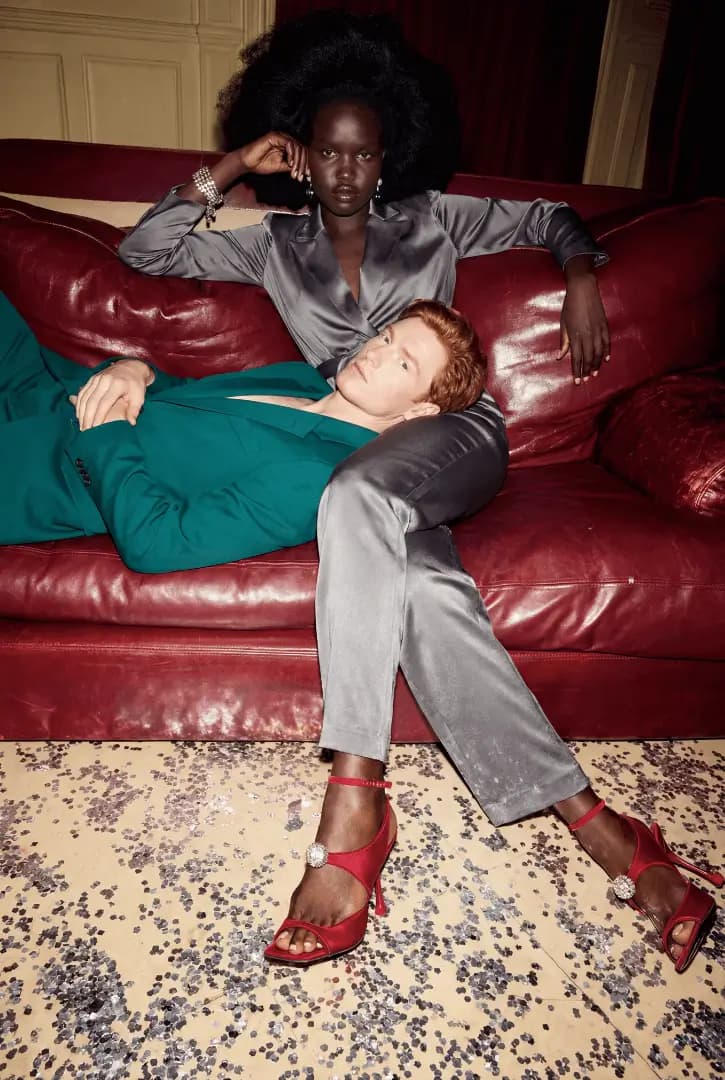
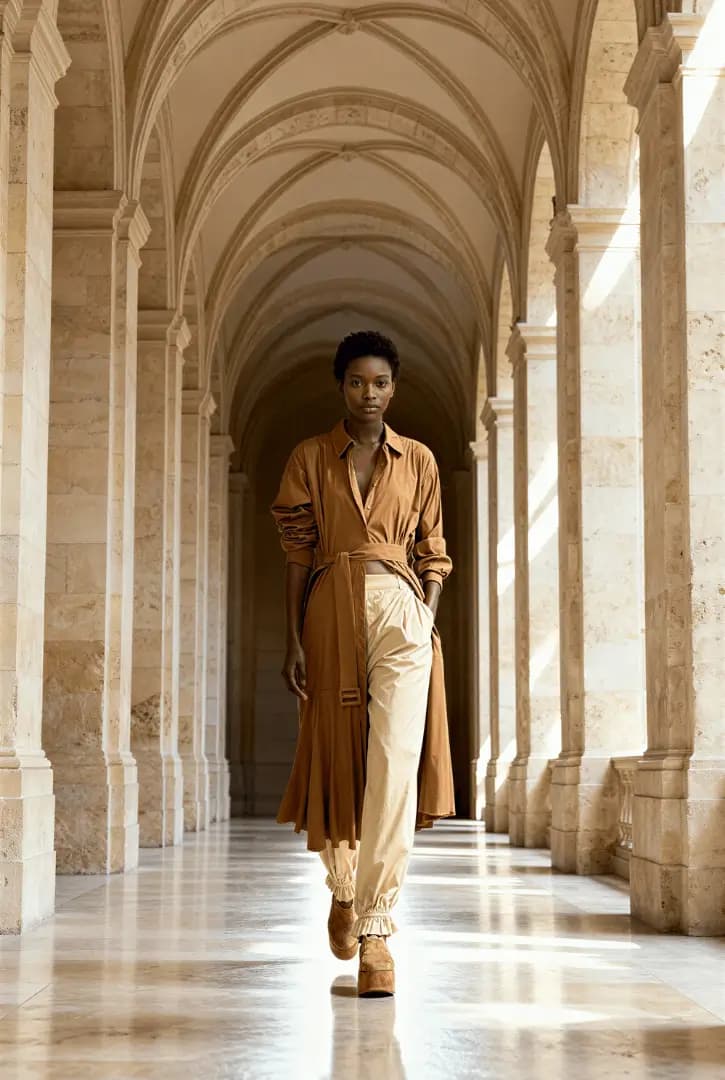
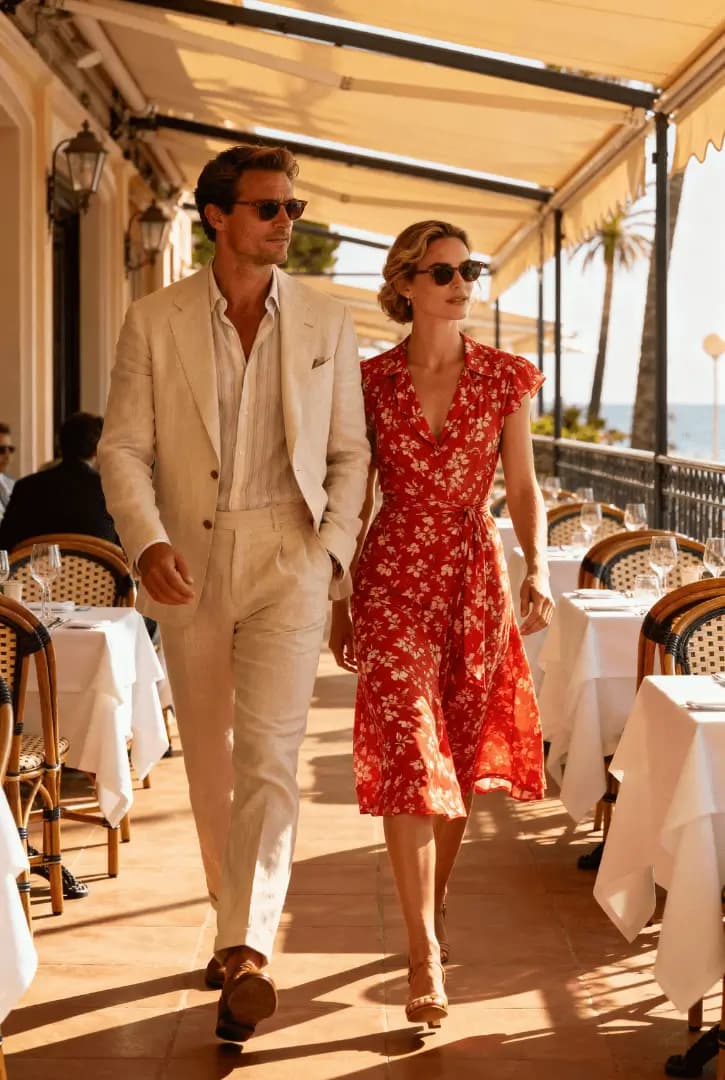
How it works
From a photo of the piece to a finished image
- 01
Upload the piece
Photograph the piece from the front, in good light and without wrinkles. A back photo is optional. We accept JPG, PNG, WebP and AVIF up to 50 MB.
- 02
Choose the style
Flat lay, ghost, creative still life, lookbook or editorial. For on-model photos, you also pick the model, the pose and the scene from the Studio library.
- 03
Generate and download
The AI creates the image in minutes, in 2K or 4K, in the format you need: 1:1, 2:3, 3:4, 4:3, 16:9 or 9:16.
Comparison
AI or a traditional photo shoot?
Photo shoots still have their place. For catalog, e-commerce and recurring content, AI does the same job at a different scale.
| Futuriza Studio | Traditional shoot | |
|---|---|---|
| Turnaround | Minutes per image | Days or weeks, counting production and post-production |
| What you need | A simple photo of the piece | Studio, photographer, models, styling and shipping the pieces |
| Variations | Swap model, pose, scene and format without redoing the shoot | Every new variation needs another day of production |
| Consistency | The same models and scenes across the whole collection | Depends on schedules, weather and crew |
| Best for | Catalog, e-commerce, marketplaces and social media | Productions that need people on set, such as runway and behind the scenes |
FAQ
Frequently asked questions
Do I need to know how to use AI or write prompts?
No. Futuriza Studio works with visual choices: you select the style, model, pose and scene from a ready-made library. There are no instructions to write for the AI. That is why we call it the Canva of fashion.
Which photos do I need to upload?
One photo per piece, from the front, in good light and without wrinkles. A back photo is optional. We accept JPG, PNG, WebP and AVIF up to 50 MB. You don't need a special background or a professional photographer.
How long does it take to generate an image?
Each image is ready in minutes. You follow the progress on screen and download the result as soon as it finishes.
How does billing work?
Futuriza Studio runs on credits. Each generated image uses credits according to the resolution you choose, 2K or 4K. If a generation fails, the credits go back to your account automatically. New accounts get 10 credits to try it out.
Fig. 05 — Start here
Ready to create?
Sign in and generate your first images in minutes.