On-model photo
AI lookbook
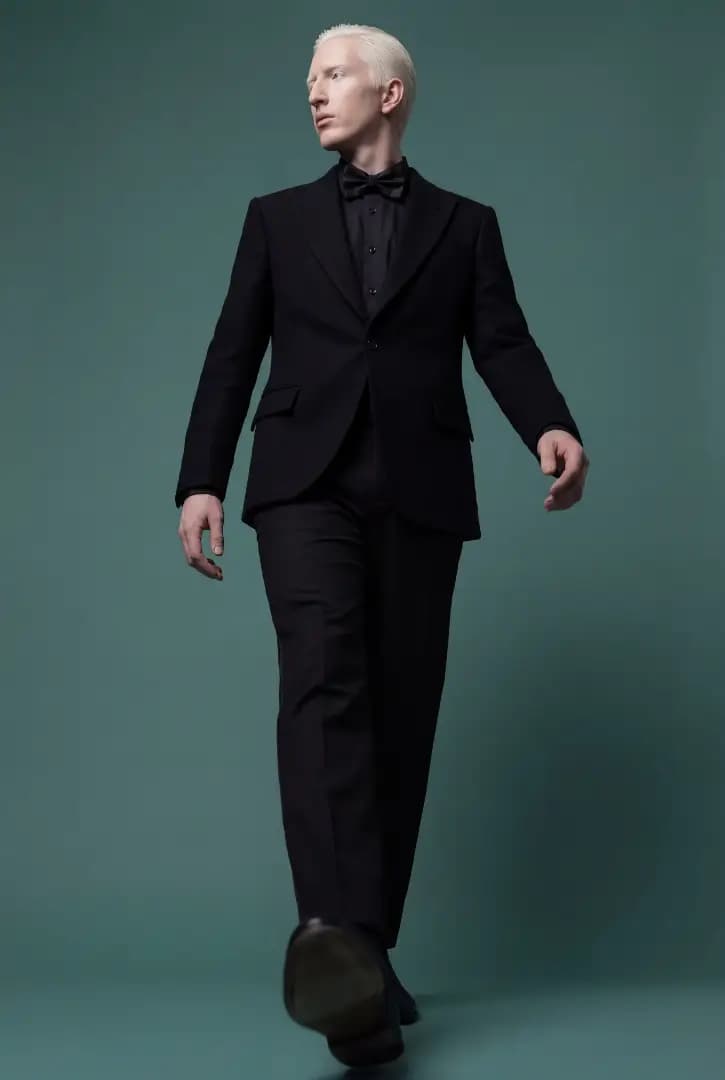
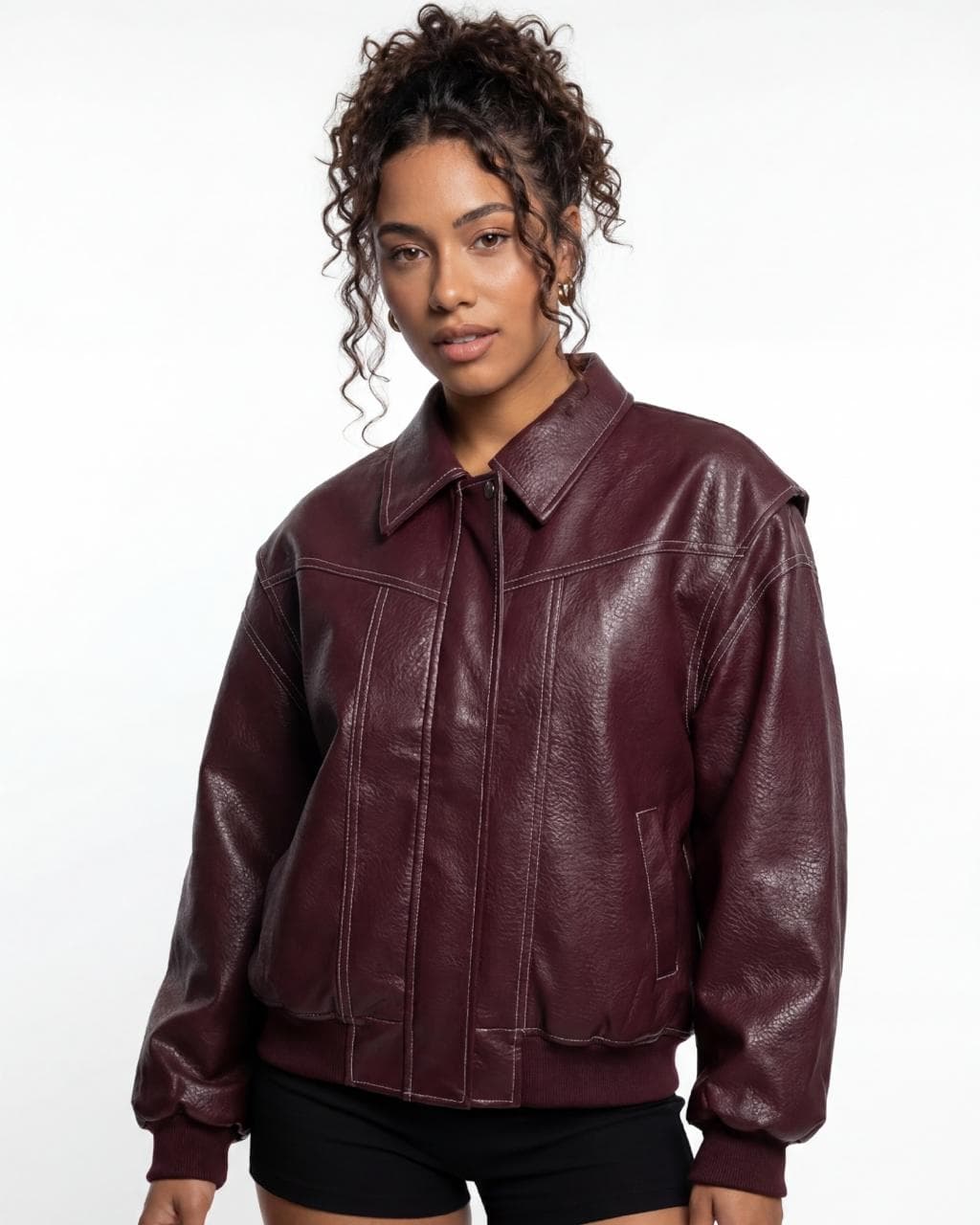
A lookbook is a series of photos showing a collection's looks worn by models, usually in a studio. In Futuriza Studio, you upload photos of the pieces, choose the model, pose and scene, and the AI dresses the model in the complete look.
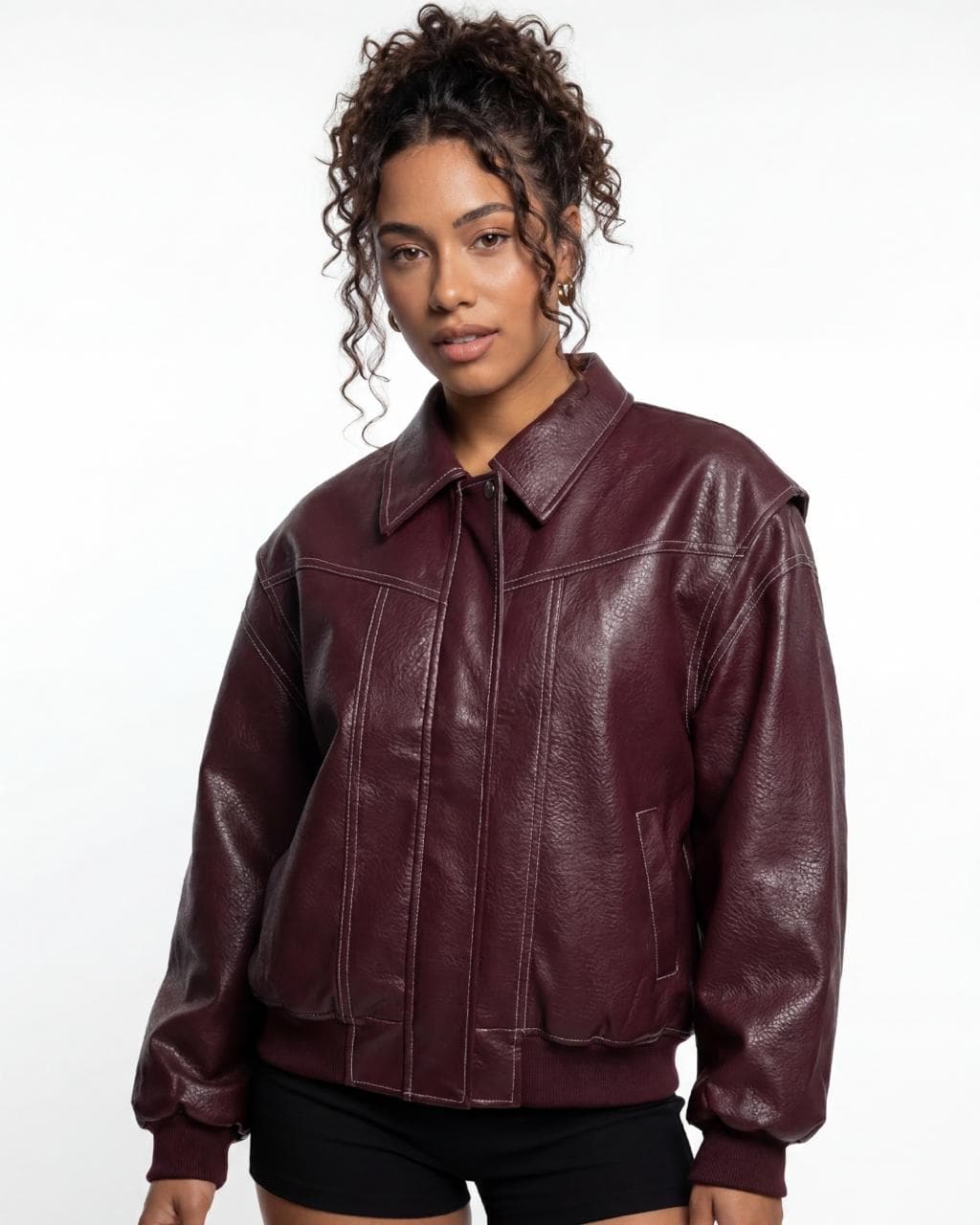
What a lookbook is for
On-model photos are what best helps customers picture a piece on the body, and they are also the most expensive to produce: model, photographer, makeup, studio and shipping the pieces. With AI, the same collection can be photographed on different models and in several poses, with no scheduling and no shipping, keeping the same lighting standard from the first page of the catalog to the last.
When to use a lookbook
- Main product photos on e-commerce sites and marketplaces.
- Presenting the collection to retailers and wholesale buyers.
- Showing the same piece on models with different body types.
- Testing looks and combinations before investing in a shoot.
Tips for a good result
- Upload one photo per piece: top, bottom, full-body piece and footwear.
- Use the same model across the collection to keep the catalog consistent.
- Filter models by hair color, age and ethnicity, and adjust the body type.
- Choose more than one pose to get front, profile and movement.
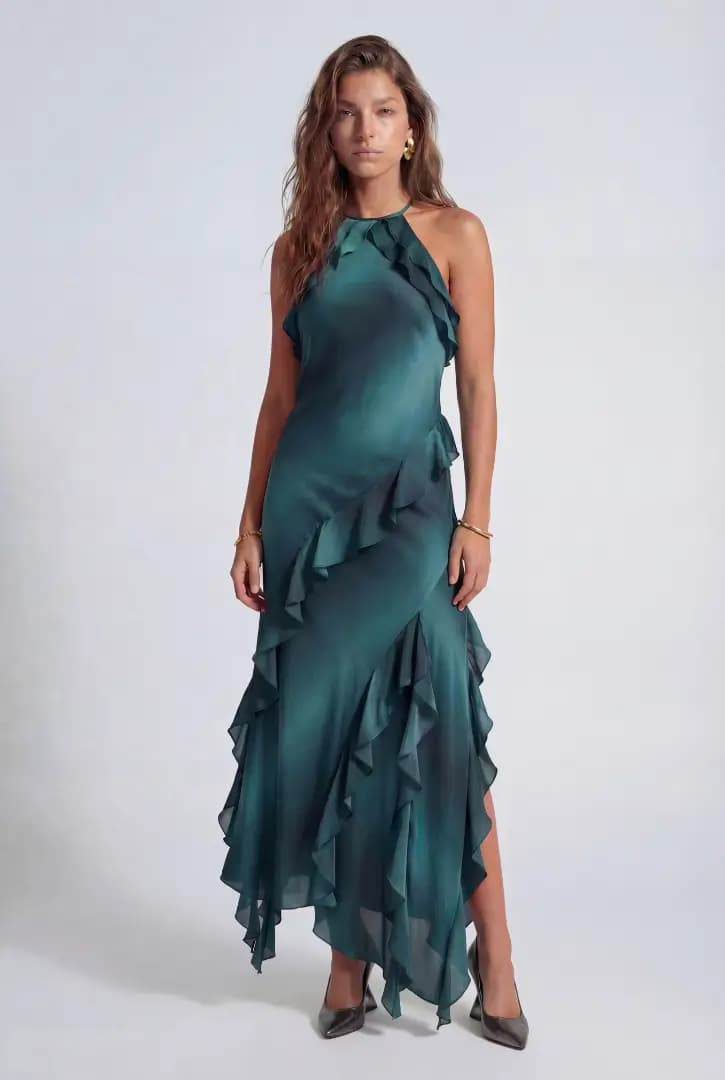
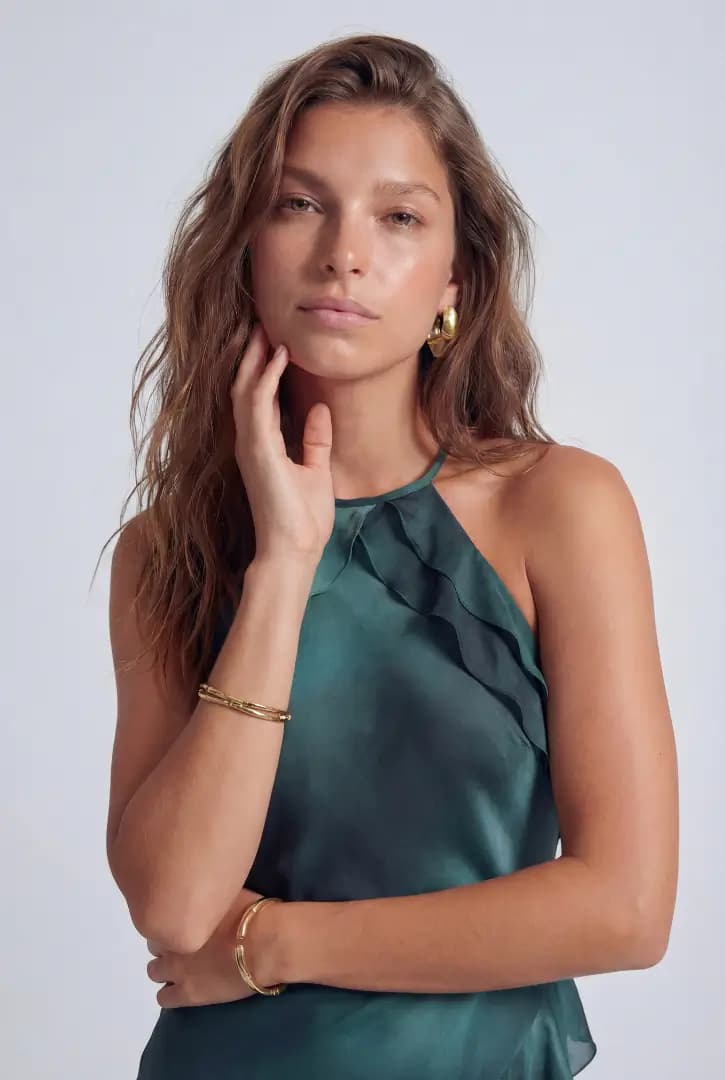
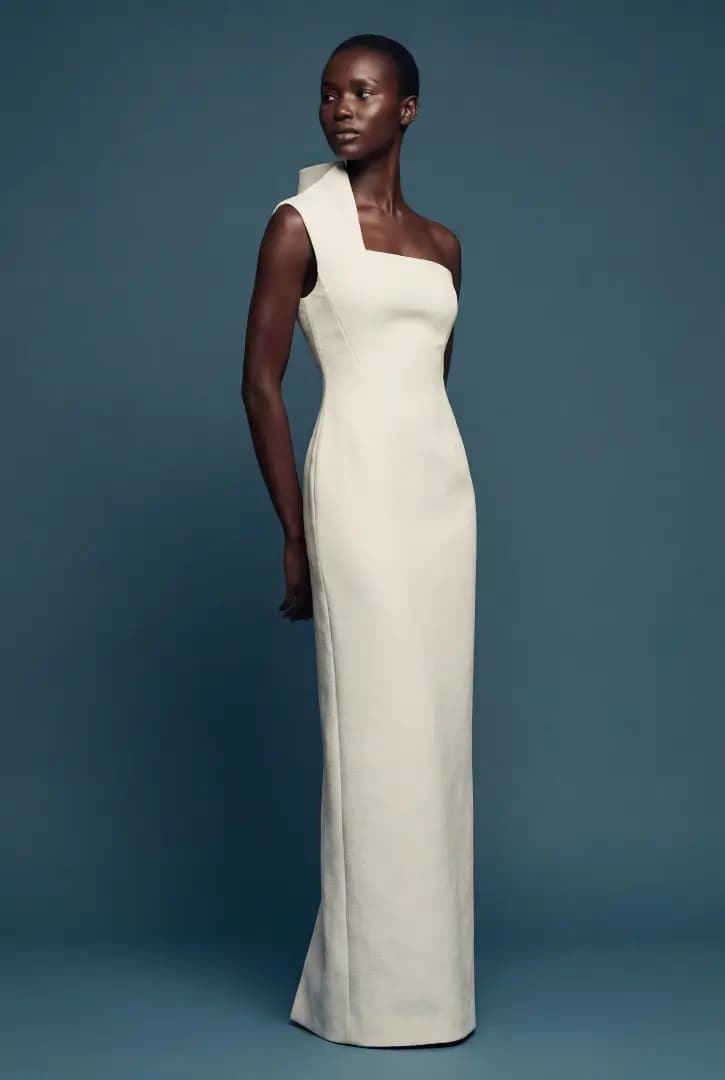
More Lookbook examples
How it works
From a photo of the piece to a finished image
- 01
Upload the piece
Photograph the piece from the front, in good light and without wrinkles. A back photo is optional. We accept JPG, PNG, WebP and AVIF up to 50 MB.
- 02
Choose the style
Flat lay, ghost, creative still life, lookbook or editorial. For on-model photos, you also pick the model, the pose and the scene from the Studio library.
- 03
Generate and download
The AI creates the image in minutes, in 2K or 4K, in the format you need: 1:1, 2:3, 3:4, 4:3, 16:9 or 9:16.
Lookbook questions
What is a lookbook?
A lookbook is a set of photos presenting a collection's looks worn by models. It shows how the pieces go together and how they look on the body, and it is used in e-commerce, catalogs and presentations to retailers.
Can I choose the model and body type?
Yes. The Futuriza Studio library has female, male and unisex models, with filters for hair color, age and ethnicity. After choosing, you set the body type for each model.
Can I dress a complete look with several pieces?
Yes. You upload one photo per piece, separating top, bottom, full-body piece and footwear, and the AI dresses the model in the complete look.
What is the difference between a lookbook and an editorial?
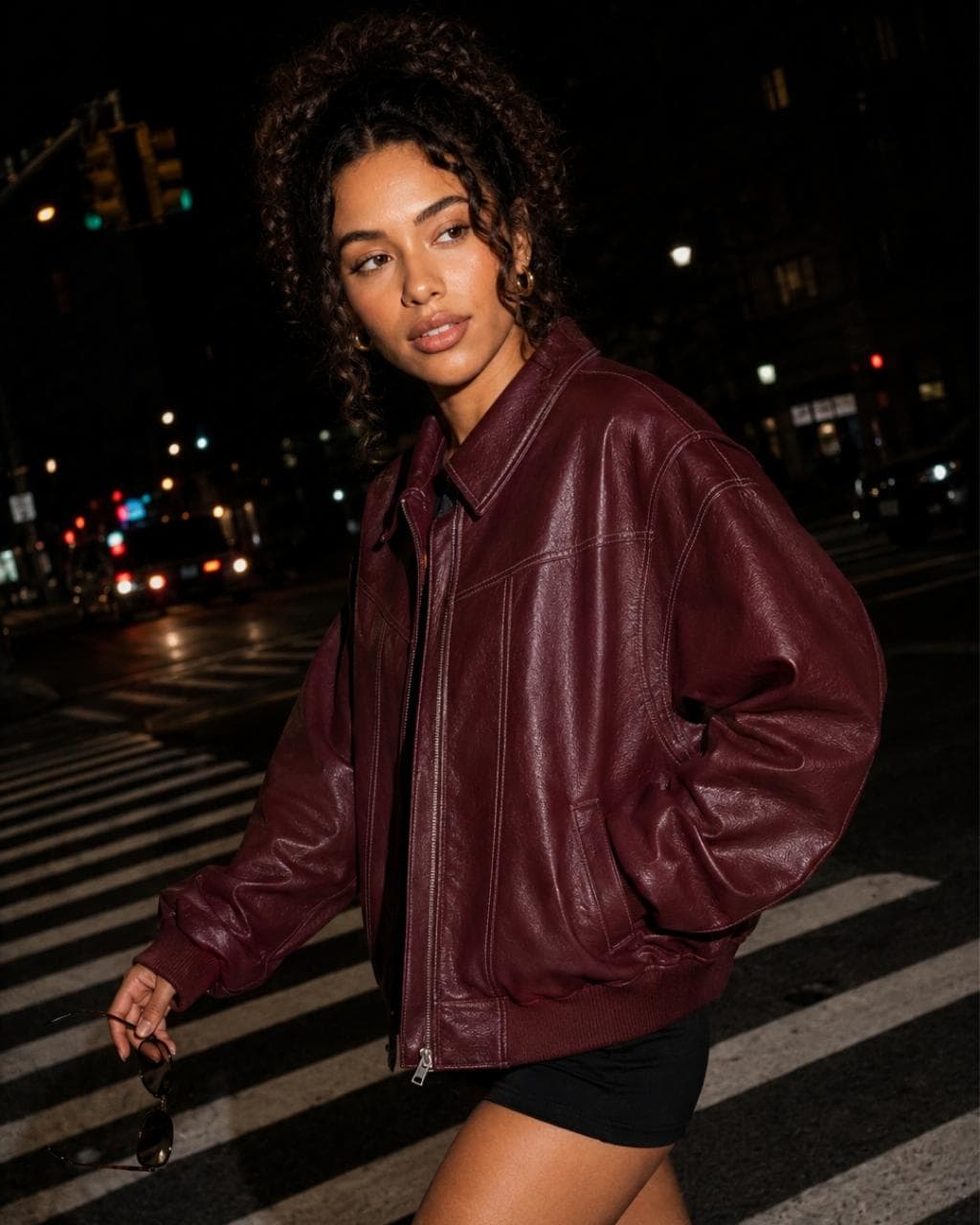
A lookbook puts the piece first: studio light and poses that show the fit. An editorial puts the mood first: scenes, dramatic light and magazine-style art direction, for campaigns and social media.
One piece, five styles
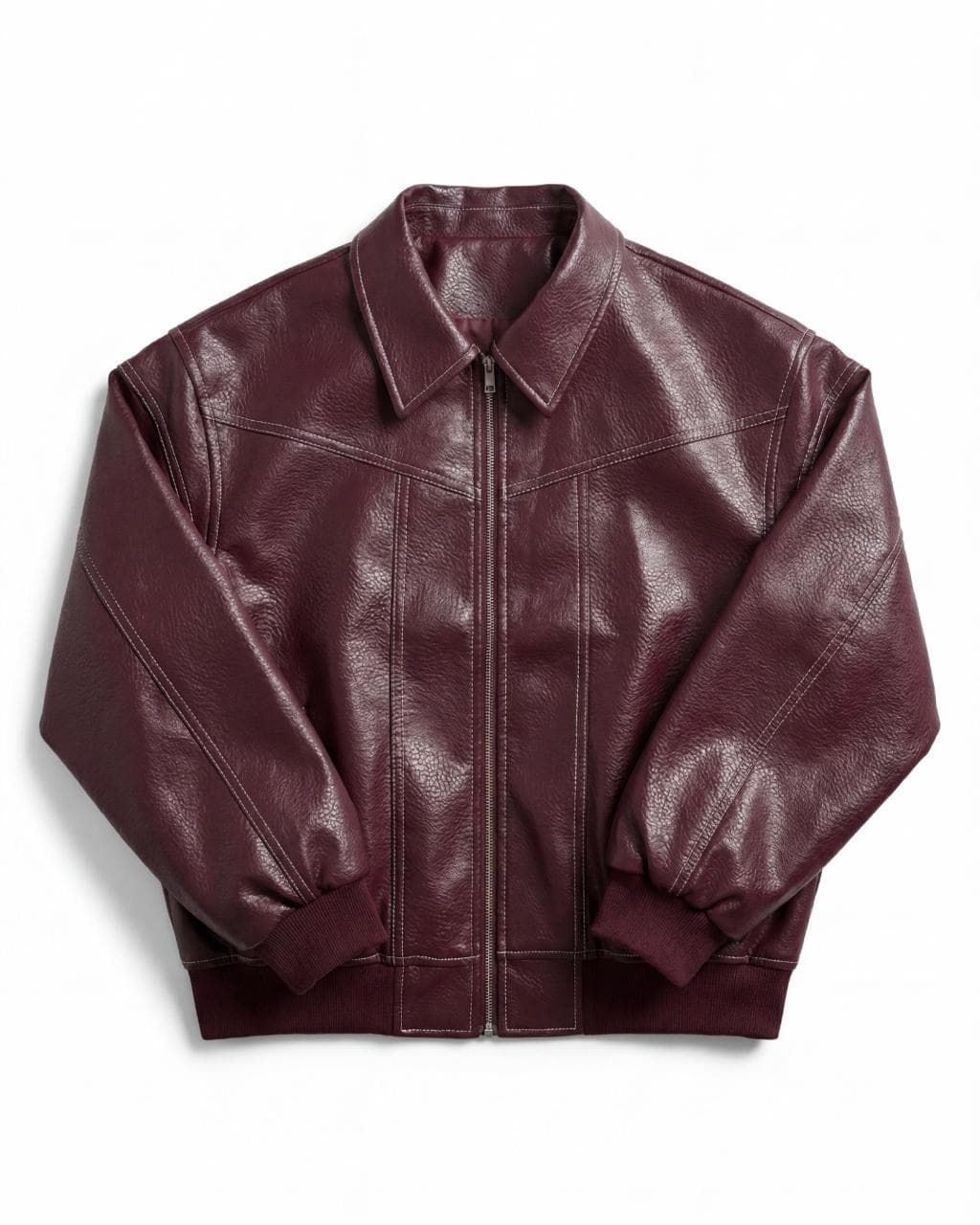
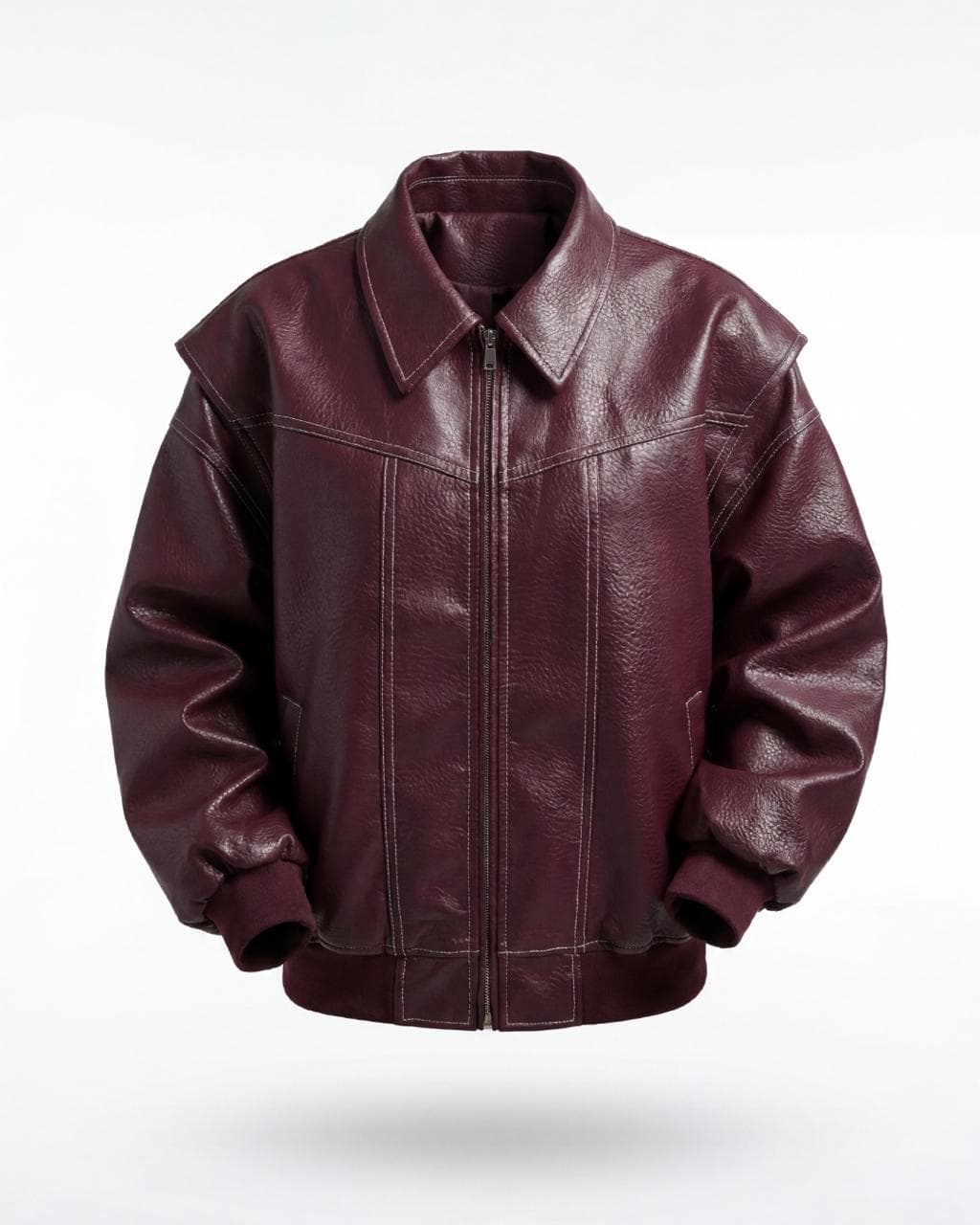
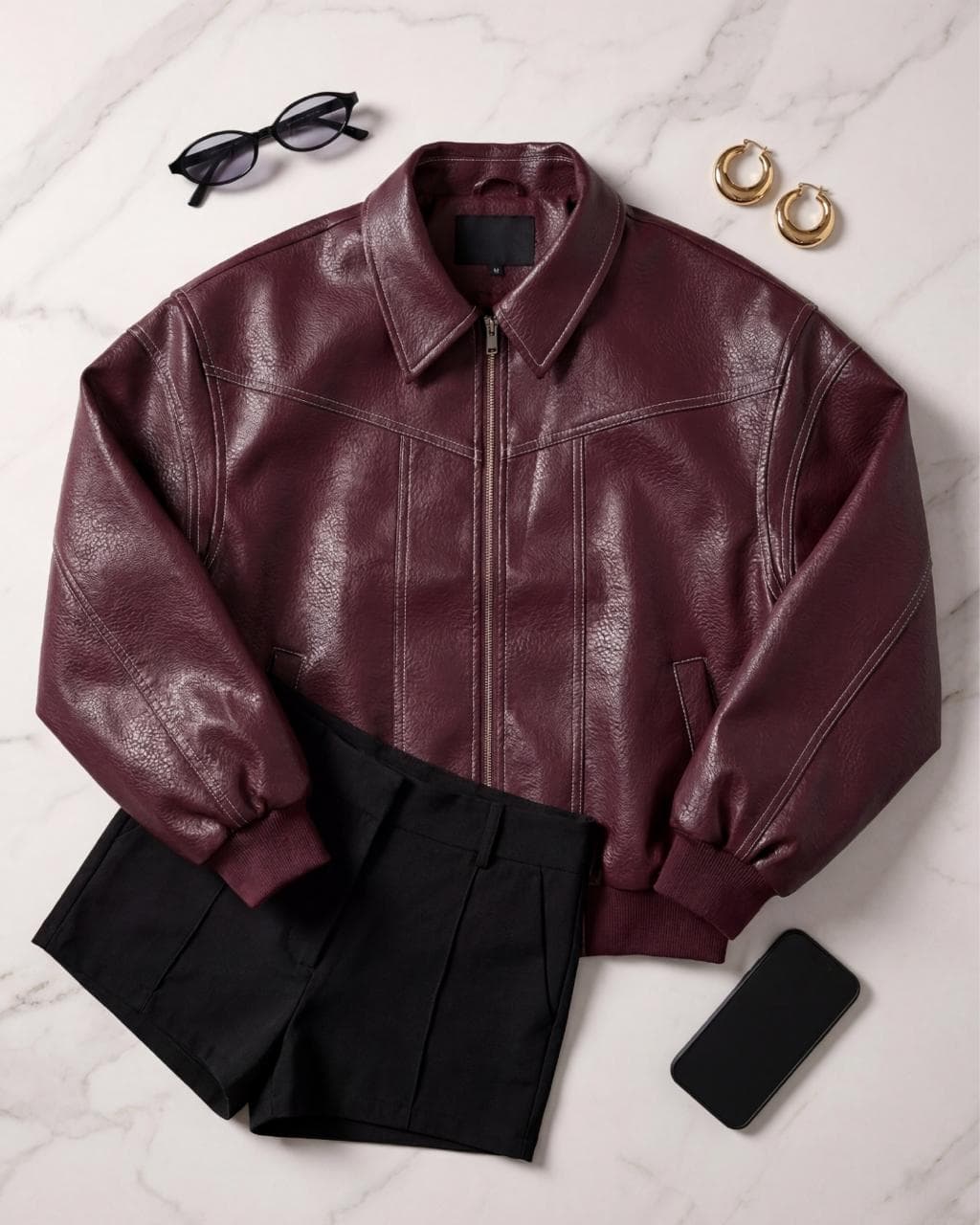
The example images show the same jacket in all five styles, generated with Futuriza Studio.
Try it with your own piece
Create your account and get 10 credits to generate your first images. No credit card and no photo shoot to book.